Made a video with Veo or Gemini? Google puts a visible watermark on it. Upload your clip to the Gemini watermark remover and download a clean version for editing and publishing. Free credits on signup.
Credits will be deducted based on video duration
Your clean video will appear here
 Before
 After
AfterThe Gemini watermark remover processes the visible mark on videos you generated yourself. Upload up to 100MB, get back a clean file. Most people reach for a Gemini watermark remover right after their first Veo export, when the badge turns up in a client cut or a thumbnail frame.
For your own generations only. Not for other people's content. The Gemini watermark remover exists for exactly this handoff moment.
Google embeds an invisible SynthID watermark in every Flow output. A Gemini watermark remover works on the visible badge; SynthID lives in the content itself and stays detectable by Google's tools.
Your video stays verifiable as AI-made. The badge just stops sitting on your footage. That is the honest difference between this Gemini watermark remover and tools that promise to erase provenance itself.
 Before
 After
After Before
 After
AfterBilling follows your video's length, with a small minimum. You see the exact credit cost before the Gemini watermark remover runs.
Free signup credits cover your first clips. No card. A ten-second clip costs a few credits; run the Gemini watermark remover once and check the math on your own footage.
Generate here instead. Seedance 2.0 makes video with no visible watermark at any tier, up to 1080p with sound. Nothing to clean afterward. Skip the badge at generation time and you never open a Gemini watermark remover again.
Clean by default beats cleaned after the fact.
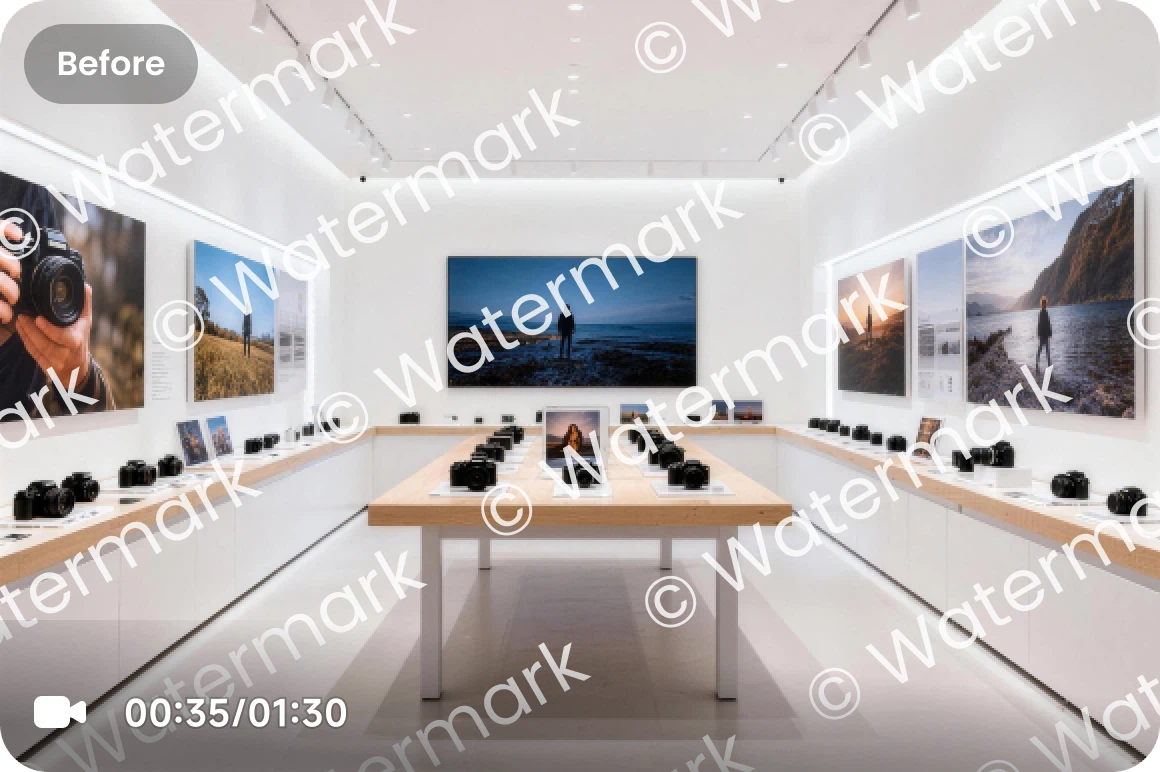 Before
 After
AfterA Gemini watermark remover is a tool that erases the visible watermark Google places on AI-generated video. Per Google's Flow documentation, videos generated on the Free, Plus, and Pro tiers carry a visible watermark showing the content is made with Veo; Ultra tier videos carry one where local regulations require it. All Flow outputs also include SynthID, an invisible watermark embedded in the content itself. The Gemini watermark remover on this page addresses the visible badge on videos you created. It does not touch SynthID, which is Google's provenance system: it persists, and Google's own tools can still detect it. In short: a Gemini watermark remover for the badge, honesty about everything else.
The Gemini watermark remover processes the visible Veo mark on your uploaded video and returns a clean file.
Google's invisible watermark stays in the content, exactly as designed. Your video remains verifiable as AI-generated. No Gemini watermark remover can reach that layer, and this one does not pretend to.
Use the Gemini watermark remover on videos you generated and have rights to reuse. Deceiving people about provenance is against Google's AI policy, and not what this is for.
Standard clips process in one job. Longer videos cost more, since billing follows duration. The Gemini watermark remover reads the clip length and prices the job from it before anything runs.
New accounts get free credits, enough to run the Gemini watermark remover on your first clips before paying anything.
Video generated on seedance2.so ships with no visible watermark at any tier. For repeat work, that beats removal. That route replaces the Gemini watermark remover with a clean master file from the first render.
Three steps in the browser. No install. The Gemini watermark remover runs in the browser with nothing to install.
Drop in the video you generated, up to 100MB. Your content, your rights.
The Gemini watermark remover processes the visible badge. The credit cost shows before you confirm.
Preview the result and download your video, ready for editing or publishing. The file the Gemini watermark remover returns is yours to cut, grade, and publish.
Discover other AI models and tools available on Seedance 2.0
Free credits on signup. Clean the videos you made with Veo, or generate watermark-free video here from the start.
Remove Watermark Free