Content made with Meta AI carries visible markers. Upload your own file to the Meta AI watermark remover and download a clean version for your edits and projects. Free credits on signup, no card.
Credits will be deducted based on video duration
Your clean video will appear here
 Before
 After
AfterThe Meta AI watermark remover processes visible marks on content you created. Upload up to 100MB and get back a clean file for your workflow. Most people open a Meta AI watermark remover when a visible mark lands in the middle of a composite, a thumbnail, or a client deliverable.
Your generations, your rights, your edits. The Meta AI watermark remover exists for exactly that handoff moment.
Meta says its AI images carry invisible watermarks and IPTC metadata inside the file. A Meta AI watermark remover works on visible marks; those embedded signals are a different system.
Expect Meta's platforms to still detect AI files on upload. Labels there are applied platform-side. That is the line between a Meta AI watermark remover and a provenance stripper, and this tool stays on the right side of it.
 Before
 After
After Before
 After
AfterCost follows your video's duration, with a small minimum, and shows before the Meta AI watermark remover runs anything.
Free signup credits cover your first files. Run the Meta AI watermark remover on a short clip first and check the per-second math on your own file.
Seedance 2.0 on this platform makes video with no visible watermark at any tier, up to 1080p with sound. No cleanup step at all. Generate clean once and the Meta AI watermark remover becomes a tool you keep for older files only.
For recurring work, clean-by-default wins.
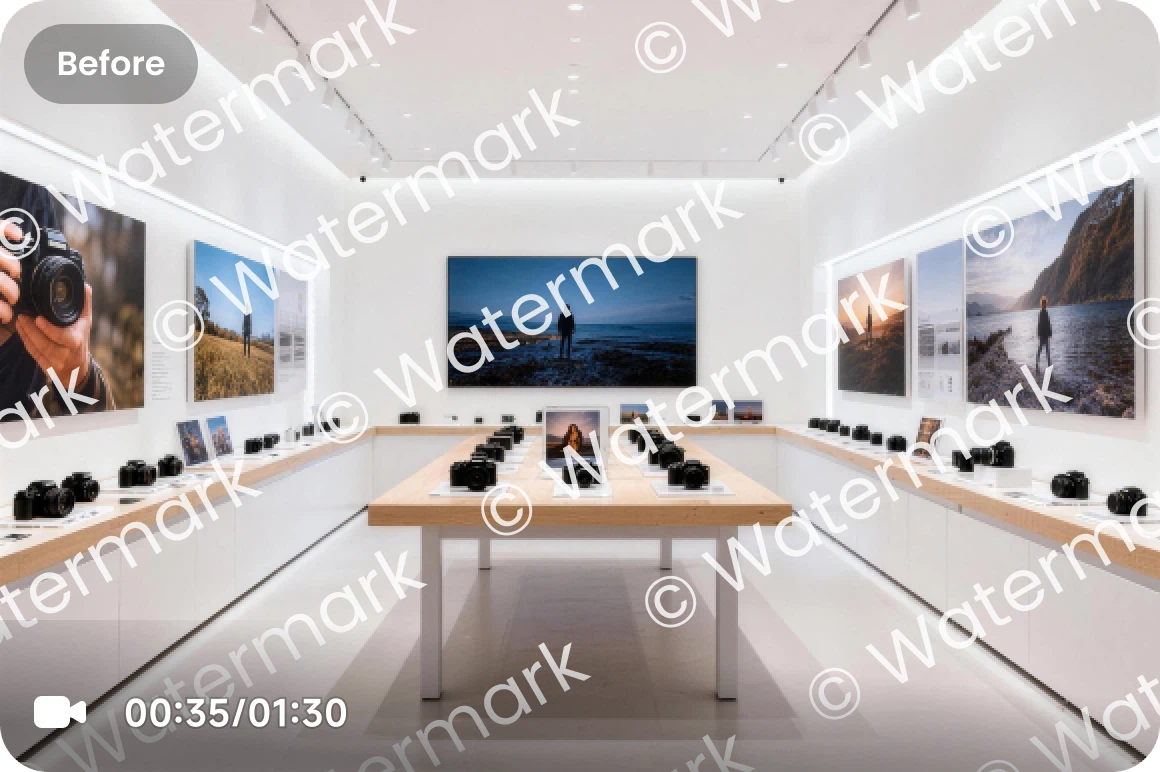 Before
 After
AfterA Meta AI watermark remover erases the visible marks Meta places on content made with its AI features. Meta's own announcements describe the layers: visible markers on photorealistic Meta AI images (the 'Imagined with AI' label), invisible watermarks plus IPTC metadata embedded in files, and platform-side 'AI info' labels that Facebook and Instagram apply when they detect AI indicators or when users disclose. The Meta AI watermark remover on this page handles the first layer, the visible mark, on content you created. Embedded signals and platform labels are separate systems, and disclosure duties on Meta's platforms stay yours. In short: a Meta AI watermark remover for the visible mark, honesty about the rest.
The Meta AI watermark remover processes the on-content mark and returns a clean file for your own editing.
Meta states its AI files carry invisible watermarks and IPTC metadata. Those live inside the file and are a separate layer. A Meta AI watermark remover works on what you can see, not on what Meta embedded inside the file.
Meta applies 'AI info' labels at upload based on detection or disclosure. A clean file can still get labeled when posted; that is Meta's system working.
Meta requires disclosure for realistic AI content and says it may penalize users who skip it. Removal does not change posting obligations. A Meta AI watermark remover cleans pixels; it does not rewrite platform policy.
Uploads to 100MB, billed per second with a small minimum, cost shown up front. New accounts start with free credits. The Meta AI watermark remover prices each job from the clip's length before it runs.
Video made on seedance2.so ships without visible watermarks at any tier, which skips the Meta AI watermark remover step entirely.
Three steps in the browser. No install. The Meta AI watermark remover runs in the browser with nothing to install.
Drop in the Meta AI content you created, up to 100MB.
The Meta AI watermark remover processes the visible mark. Cost shows before you confirm.
Preview, download, and use the clean file in your own projects. The file the Meta AI watermark remover returns is ready for compositing, cutting, or publishing.
Discover other AI models and tools available on Seedance 2.0
Free credits on signup. Clean your own Meta AI content, or generate watermark-free video here from the start.
Remove Watermark Free