
AI Image Analyzer for Text, Objects, and Alt Text
Use the AI image analyzer on a screenshot, product photo, or ad creative. Get text, object notes, alt text, and quick recommendations you can use right away.
Analysis Mode
Reasoning Depth
Billing is settled from actual Seed 2 token usage. This image page usually lands at 1 credit, while video or document analysis through the API can cost more.
Sign in is required to upload and analyze media.
Your image analysis appears here
Upload an image to extract visible text, objects, colors, alt text, SEO captions, and recommendations.
What This AI Image Analyzer Helps You Pull Out
Use this tool when you need a fast read on one image. The result is easy to review, easy to copy, and easy to hand to a teammate.
AI Image Analyzer for Fast Summaries
Get a short read on the scene so you do not have to describe it from scratch.
AI Image Analyzer for Text Extraction
Grab readable text from screenshots, ads, packaging, posters, and product images.
AI Image Analyzer for Alt Text
Get alt text and a short SEO caption from the same result.
Object Review and Style Notes
Review key objects, color, mood, composition, and lighting in one place.
SEO and Accessibility Review
Use SEO, e-commerce, or accessibility mode based on what you need next.
Built With Seed 2
This page is for images, while the backend route can also analyze video and files.
How to Use the AI Image Analyzer
Open the tool, upload one image, choose the review focus, and copy the result into SEO, QA, content, or accessibility work.
Open the AI Image Analyzer
Choose a JPEG, PNG, or WebP file. Screenshots, product photos, ads, and posters all work well.
Set the AI Image Analyzer Focus
Use General for a fast read, SEO for search copy, E-commerce for product review, or Accessibility for clearer alt text.
Copy Results From the AI Image Analyzer
Use the summary, text, alt text, caption, tags, and recommendations anywhere in your workflow.
AI Image Analyzer FAQ
Explore More AI Tools
Discover other AI models and tools available on Seedance 2.0
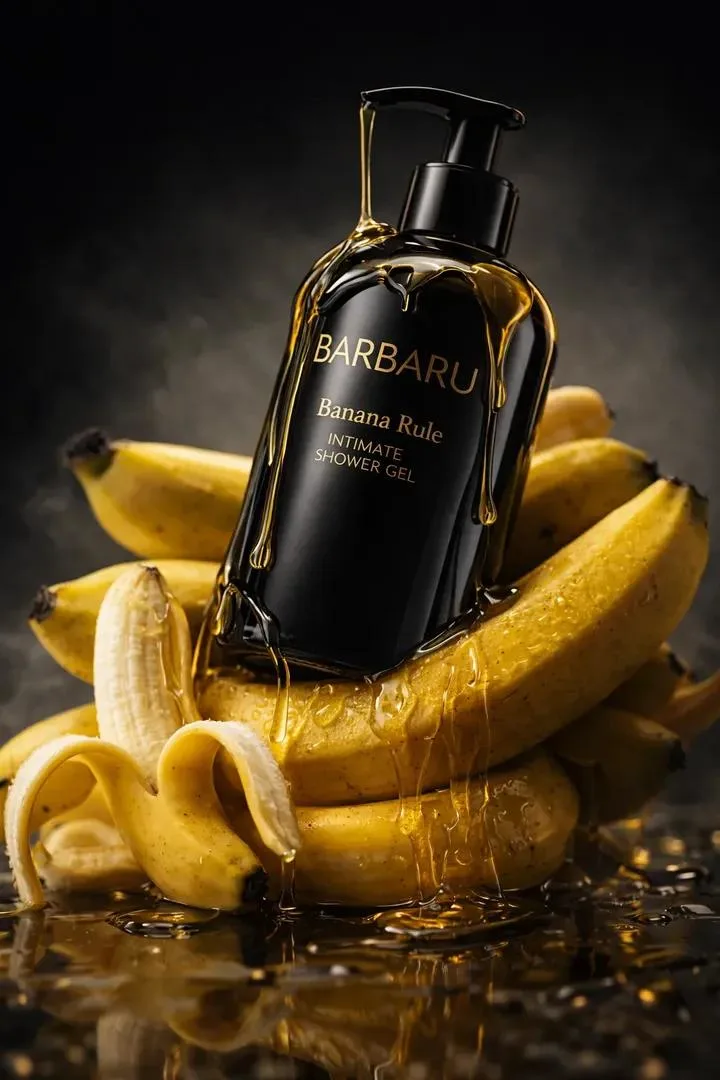
Try the AI Image Analyzer on Your Next Image
Get clear notes back and move faster on SEO, accessibility, content review, or QA.
Try the AI Image Analyzer