Animate photo AI takes the still you already have and gives it real motion. Upload a photo, type the action, and watch it move with native sound. No credit card, just free credits at sign-up.

Upload the image you already have and the animate photo AI adds movement that suits the scene. A portrait blinks and turns; an outdoor shot stirs with wind and light.
Give it a start frame, or set first and last frames, and the tool fills the motion between them. You control where the shot begins and where it ends.
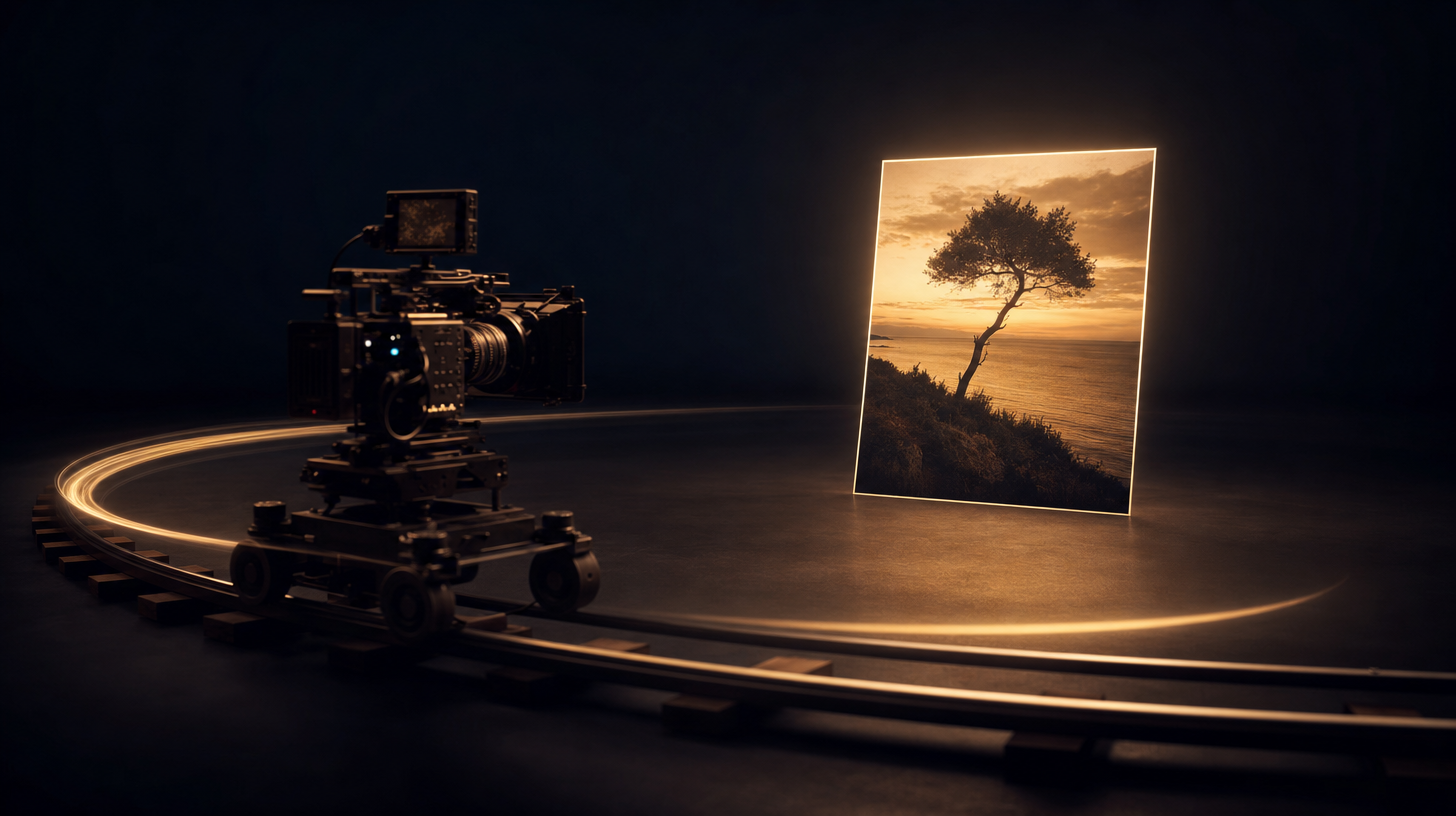
Ask for a slow push-in, an orbit, or a handheld drift, and the animate photo AI applies it to your photo. Film camera moves now work on one image.
Type the move in plain words. Pan, tilt, dolly, or zoom: the animate photo AI turns the instruction into a shot with no timeline or keyframes.
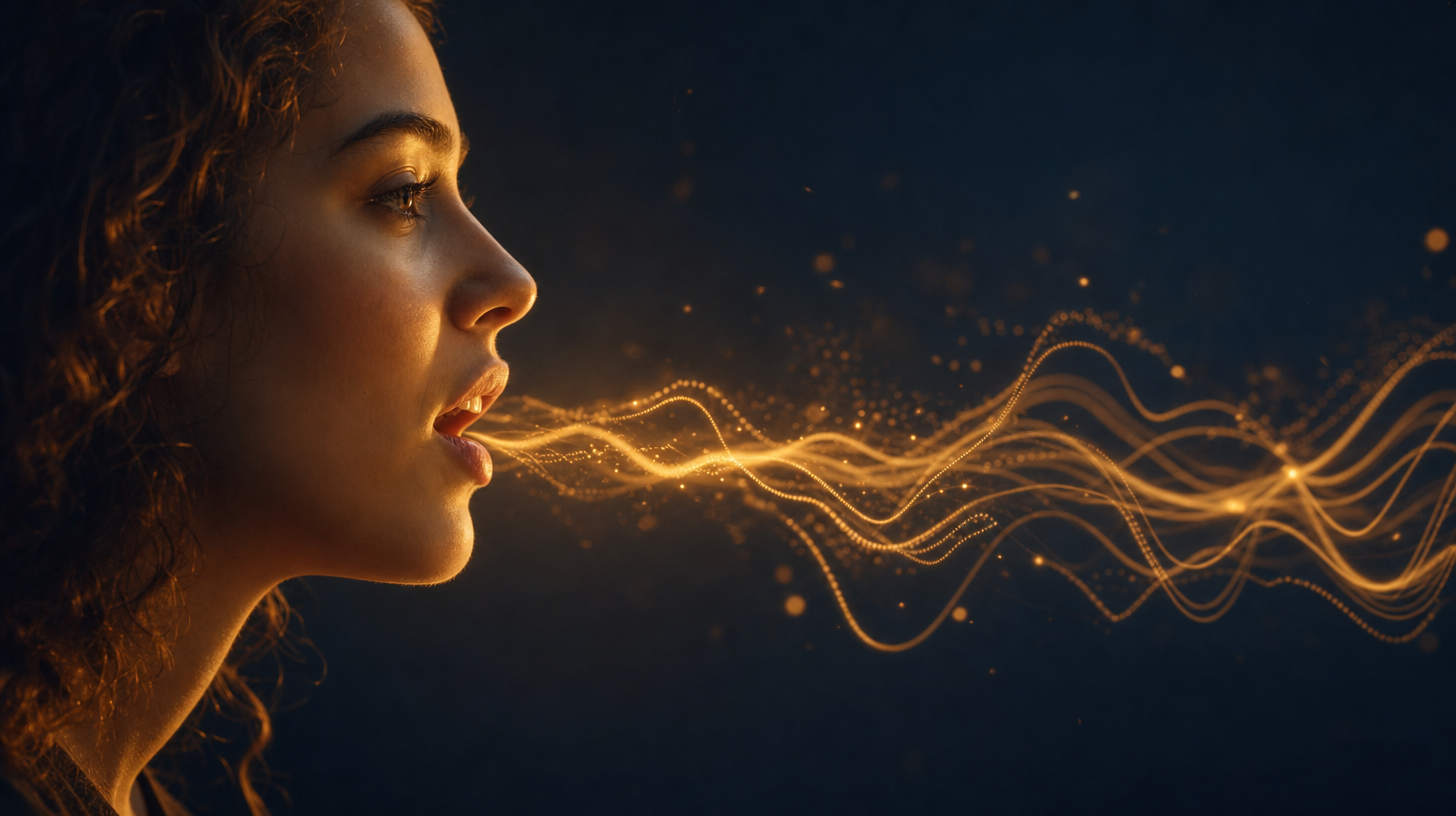
The animate photo AI can add dialogue, ambient sound, and effects that match the frame. Voices land in sync with the mouth, so a talking portrait feels real.
Choose the mood or the line you want spoken. Native audio arrives with the video, so there is no separate soundtrack step after it finishes.
Render 5, 10, or 15 second clips with the animate photo AI on the standard tiers, or go to 30-second shots in the Seedance 2.5 studio. Every clip exports without a watermark.
Pick Mini, Fast, or Standard to trade speed for detail. The animate photo AI keeps the same upload-and-describe flow across all three.
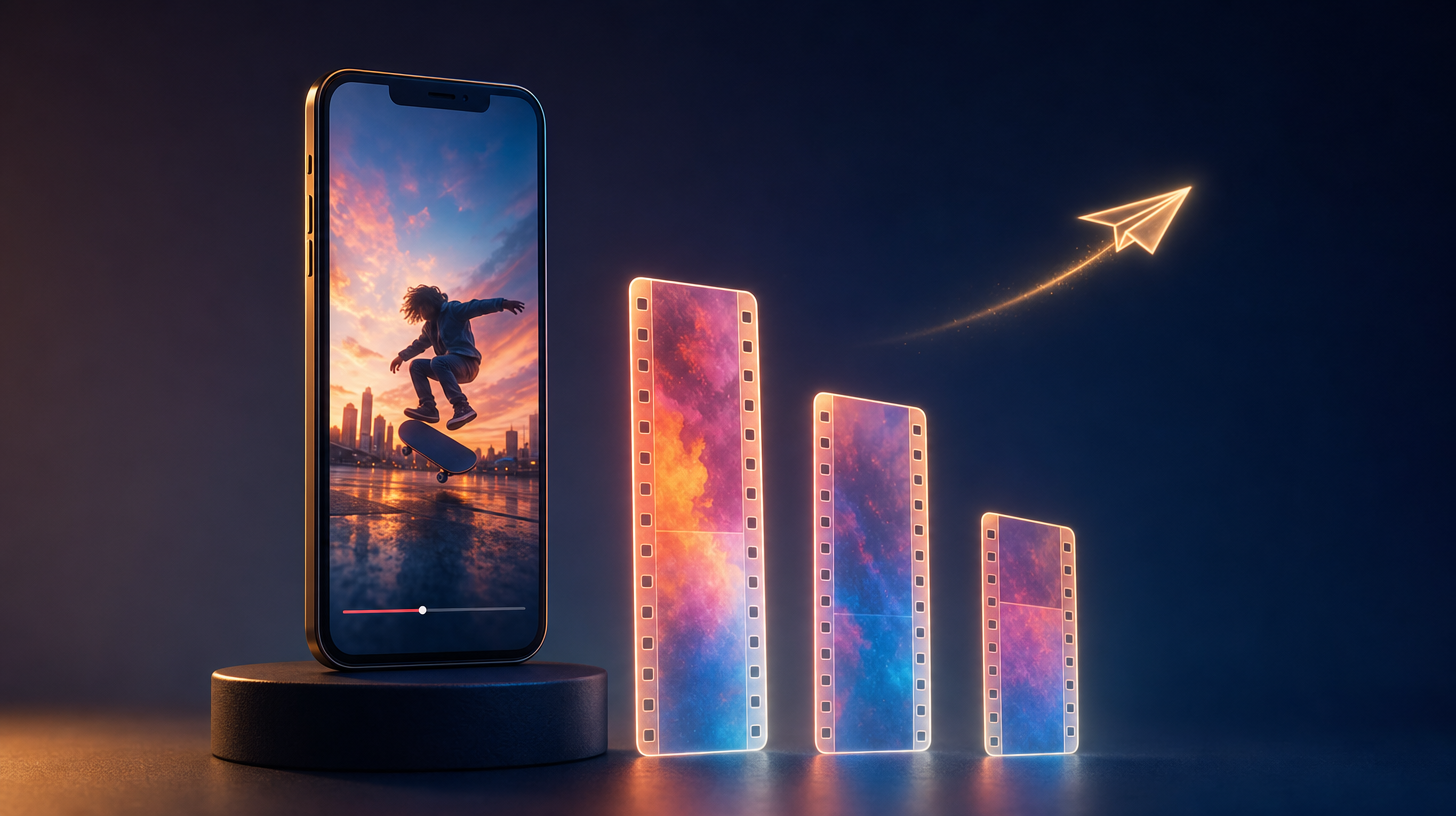
Animate photo AI is a way to turn a photo into a short video without editing software. You bring the image, describe the motion, and the model on seedance2.so makes the clip. Try it in the image-to-video studio.
Start from any photo on your device. The animate photo AI works from the pixels you have, so you never sketch a frame.
Set where the shot opens and where it lands. First and last frame control lets the animate photo AI plan the motion between two anchors.
Describe the move and the mood in a sentence. The animate photo AI turns your prompt into camera motion on the still.
Add speech, effects, or room tone in the same pass. Native audio means the animate photo AI hands back a clip you can post right away.
Sign up for free credits, no credit card asked. That is enough to test the animate photo AI on a real photo before you spend.
Choose Mini, Fast, or Standard and a 5, 10, or 15 second clip. The animate photo AI fits quick drafts and finished shots alike. See pricing.
Animate photo AI in three simple steps
Open the image-to-video studio and drop in your still. The animate photo AI takes a single frame as the starting point.
Type the action, the camera move, and any sound you want. The clearer the prompt, the closer the animate photo AI lands to your idea.
Hit generate and let it render. Download the finished clip with audio and no watermark, ready to share.
Discover other AI models and tools available on Seedance 2.0
Bring one photo. The animate photo AI gives it motion, sound, and a clean download. Start with free credits and no credit card.
Animate your photo now