Downloaded TikToks carry the logo and username overlay. Upload your own video to the TikTok watermark remover and get a clean file for YouTube Shorts, Reels, and client work. Free credits on signup.
Credits will be deducted based on video duration
Your clean video will appear here
 Before
 After
AfterYou post on TikTok, download your video, repost elsewhere. The TikTok watermark remover cleans the overlay so other platforms get a first-class file. A TikTok watermark remover is the difference between a repost that looks native and one that screams recycled.
Your account, your videos, your distribution. The TikTok watermark remover exists for exactly that repost moment.
TikTok's U.S. AI terms prohibit removing watermarks or authentication marks from AI-generated Output to pass it off as human-made, and TikTok says its automatic AI labels cannot be removed from posts. The TikTok watermark remover here is for the ordinary download overlay on your own regular videos.
Clean distribution, honest provenance. Not for other people's content. A TikTok watermark remover for your own overlay is routine; a provenance stripper is not, and this is not one.
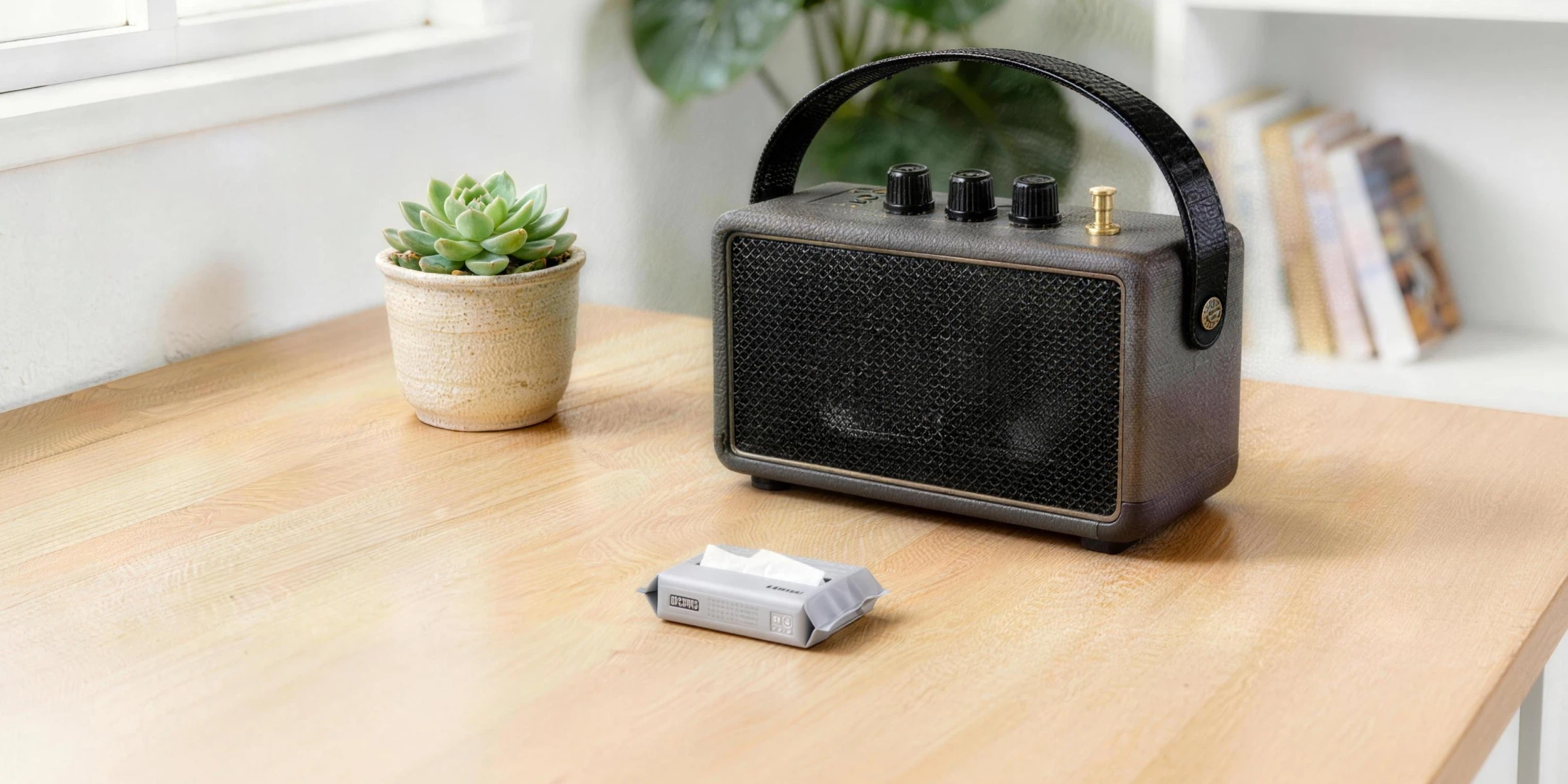 Before
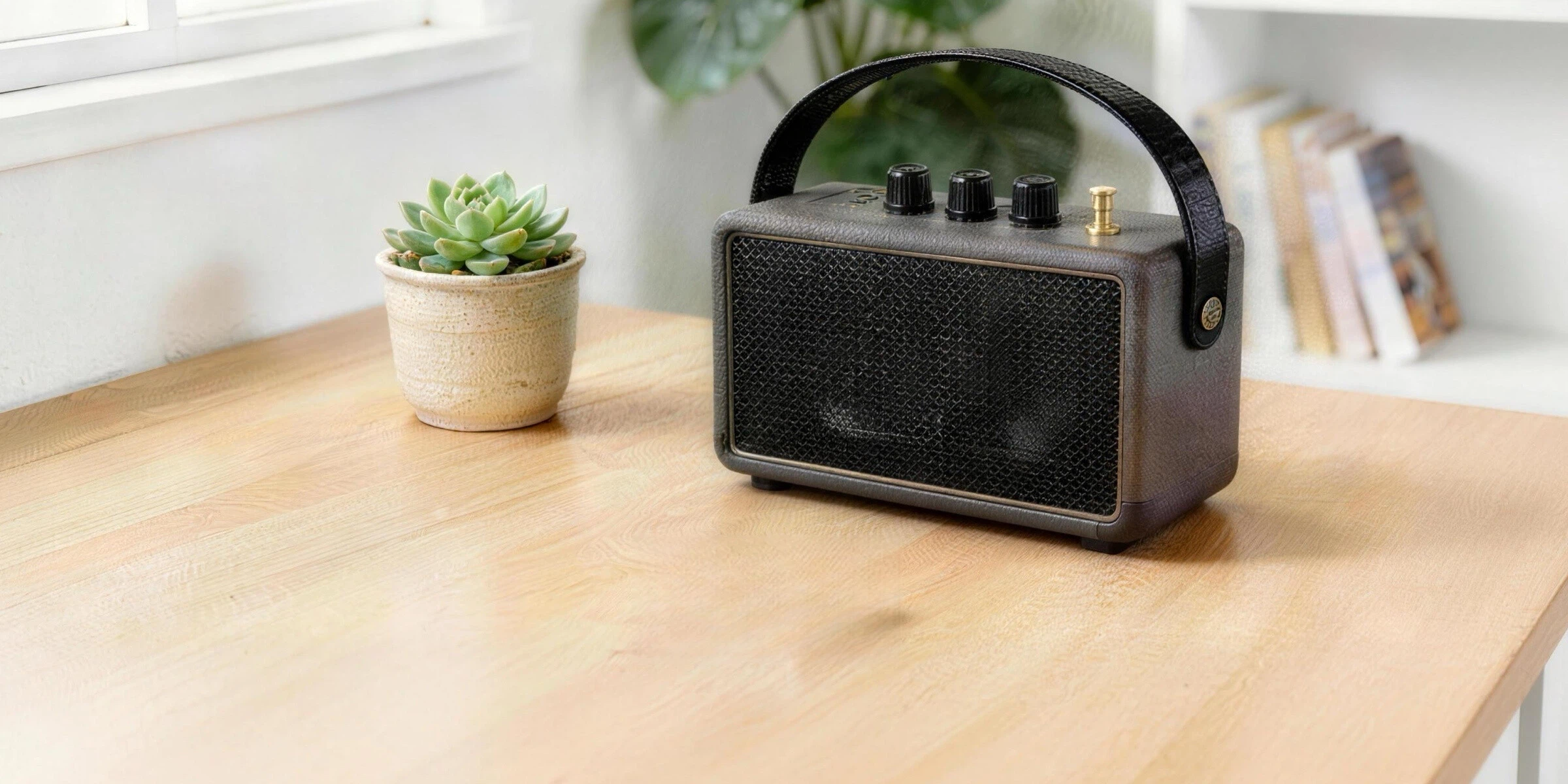 After
After Before
 After
AfterBilling follows your video's length with a small minimum. The exact cost shows before the TikTok watermark remover runs.
Free signup credits cover your first batch. Run the TikTok watermark remover on one video and check the credit math before committing a batch.
Generate vertical video here instead. Seedance 2.0 makes 9:16 clips with sound and no watermark: one master file for TikTok, Shorts, and Reels. Generate neutral masters and the TikTok watermark remover becomes a tool for your back catalog only.
One clean master, every platform.
 Before
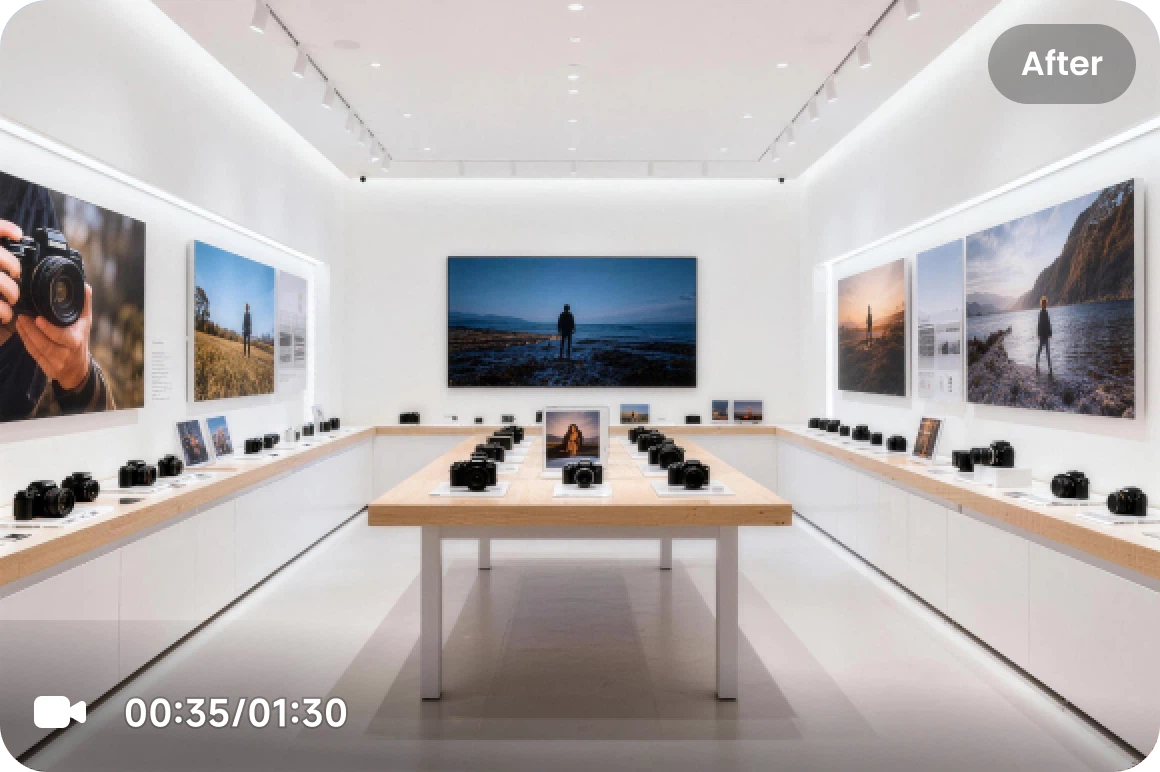 After
AfterA TikTok watermark remover erases the moving logo and username overlay that appears on videos downloaded from TikTok. For creators repurposing their own posts, that overlay is friction: cross-posted videos carrying another platform's branding present poorly, which is why cleaning your own downloads became standard practice. The TikTok watermark remover on this page processes the overlay on videos you upload, up to 100MB, billed per second with the cost shown first. It is built for your own content. TikTok's AI-generated labels are a different system: they live on the TikTok post itself, TikTok says automatic AI labels cannot be removed, and its U.S. AI terms prohibit stripping authentication marks from AI Output.
Downloaded TikToks carry the moving logo and username. That visible overlay is what the TikTok watermark remover processes.
Use it on videos from your own account or that you hold rights to. Reposting other creators' work is against platform rules and not a supported use. A TikTok watermark remover does not change whose video it is; rights come first.
TikTok requires labels on realistic AI content and says automatic labels cannot be removed from posts. This tool is not for fighting that. A TikTok watermark remover for the download overlay is a different tool with a different job.
Standard downloaded videos fit comfortably. Billing is per second of input with a small minimum, shown before you confirm. The TikTok watermark remover prices each job from the clip's length before it runs.
New accounts get free credits with no card, enough to run the TikTok watermark remover on a first batch.
Vertical clips generated here ship clean at 9:16 with audio. New content can skip the overlay question entirely. New workflows built that way never need a TikTok watermark remover at all.
Three steps in the browser. No install. The TikTok watermark remover runs in the browser with nothing to install.
Save your own video from TikTok at the best quality available, then upload it here, up to 100MB.
The TikTok watermark remover processes the logo and username overlay. Cost shows before you confirm.
Download the clean file and publish to Shorts, Reels, or wherever your audience lives. The file the TikTok watermark remover returns carries no overlay, ready for any feed.
Discover other AI models and tools available on Seedance 2.0
Free credits on signup. Clean your own TikToks for cross-posting, or generate platform-neutral video from the start.
Remove Watermark Free