
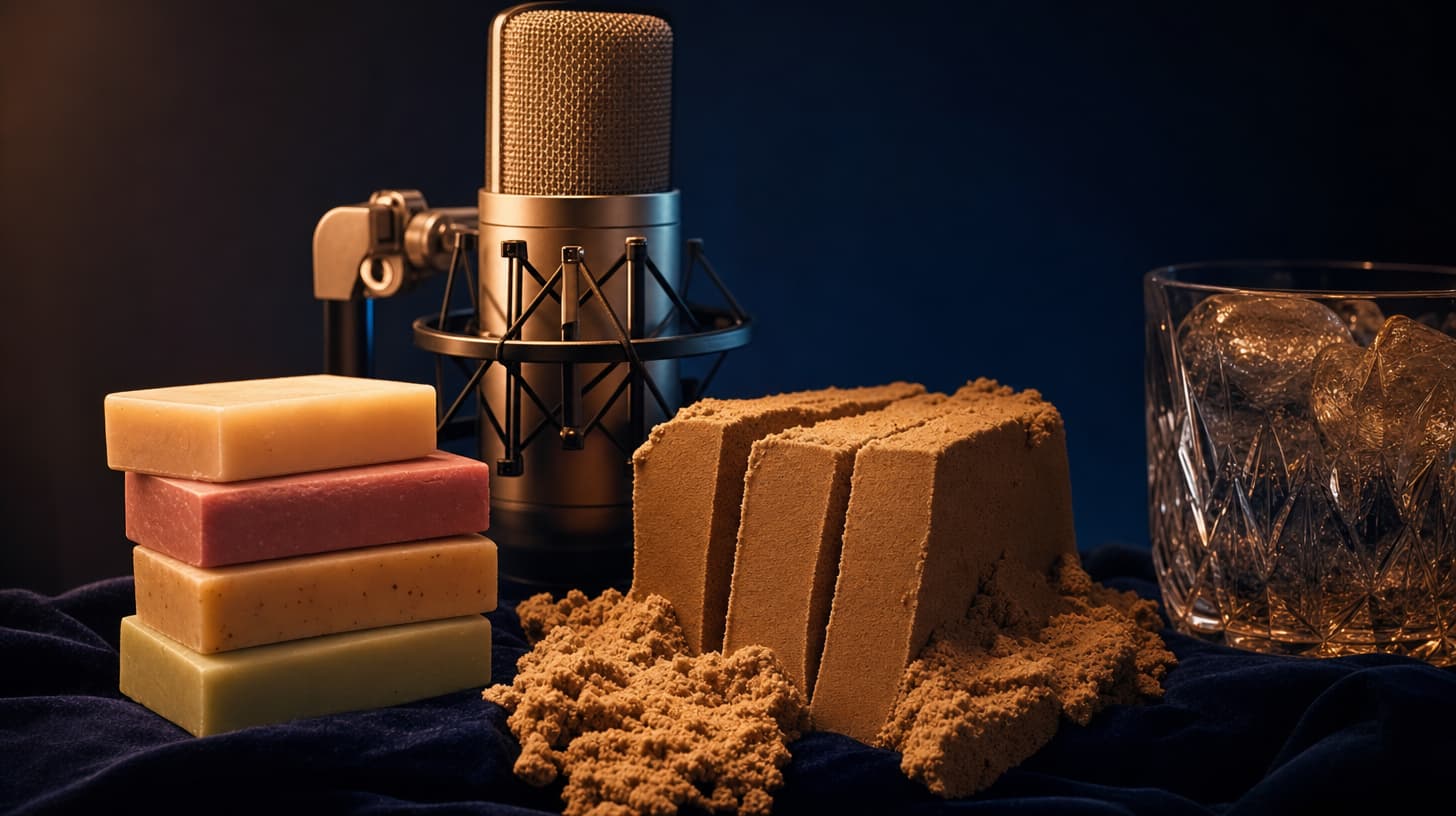
How to Make AI ASMR Videos With Native Audio Prompts
How to make AI ASMR videos where the sound design lives in the prompt: fruit-cutting crunch, rain, whisper-close ambience, with many audio slot examples.
Most AI ASMR videos fail on the audio, not the picture. Someone generates a beautiful clip of a knife going through a melon, then bolts on a stock crunch sound in an editor, and the timing never quite matches the blade. The reason Seedance 2.0 is a good tool for this genre is that it generates the sound with the video from a single prompt, so the crunch happens when the knife actually cuts.
Seedance 2.0 is ByteDance's model, and seedance2.so is a third-party studio that gives you access to it. The part that matters for ASMR is native audio: you write the sound design into the same prompt that describes the shot, and the model produces the visuals and the audio together. This guide is about how to write that audio, with a stack of examples you can copy for fruit crunch, rain, whisper ambience, and texture sounds.
TL;DR
- Native audio is the whole reason AI ASMR videos work here. You describe the sound in the same prompt as the picture, and the model generates both at once, so the crunch lands on the cut.
- The sound belongs in the audio slot, the last part of the six-slot prompt formula. Write it as concretely as the visuals: name the sound, its texture, and the background.
- Fruit ASMR works because the action and the sound are coupled. Describe the slice and the crunch in the same breath and the model keeps them in sync.
- Rain, whispers, and close-mic texture are the other reliable forms. Keep the background quiet, and write "no music" when you mean it, because an unspecified soundtrack gets filled with random ambience.
- Draft cheap on the Mini tier, promote keepers to Standard, and use image-to-video or reference-to-video when a series needs the same setup.
- Free credits on signup, no credit card, and no watermark on the output.
Why native audio makes AI ASMR videos work
ASMR is an audio genre with a video attached, not the other way around. The tingle comes from sound: the wet snap of a rind, rain hitting glass, a whisper close to the mic. Any tool that generates a silent clip and leaves you to source sound effects afterward is fighting the genre, because the hard part of ASMR is sync. A crunch a third of a second late reads as fake, and viewers feel it.
Native audio removes that step. When you write "the blade breaks the rind with a crisp wet crunch" in the prompt, the model animates the cut and generates the crunch as one event, so they line up by construction. That is the real differentiator: you direct a scene that already has sound instead of editing sound onto a finished one.
There is a second payoff. Because the audio is described in text, it is repeatable. The same direction produces the same character of sound across a series, which keeps a channel feeling like one production.
The audio slot: writing sound into the prompt
The prompt formula I use has six slots: subject, action, setting, camera, light, and audio. For most videos the audio slot is an afterthought. For ASMR it is the point, so it gets the most detail. A good audio slot names three things: the primary sound, its texture, and what the background should do.
Here is the shape:
Audio: [primary sound with texture], [secondary detail],
[background instruction], no music
The "no music" is not optional filler. Leave the soundtrack unspecified and the model will often add ambient pads or a faint bed that ruins the intimacy ASMR depends on. Say what you want the background to be, even when the answer is "almost nothing." A quiet room tone is a real direction.
Specificity does the heavy lifting. "Crunchy sound" is weak. "A short crisp snap as the skin gives way, then a wet slice through the flesh" gives the model an event with a shape. Write the sound the way a foley artist would describe making it, and you get closer to what you hear in your head.
Fruit ASMR and other crunch formats
Fruit ASMR is a staple of the genre on short-form feeds, and it is the easiest to get right because the sound is tied to a visible action. Couple the cut and the crunch in the prompt and the model keeps them locked.
A watermelon cut, the classic:
Close-up of a chef's knife slicing a ripe watermelon on a wooden board,
slow steady downward cut, soft window light, shallow depth of field.
Audio: the crisp wet crunch of the blade breaking the rind, juice
dripping onto the board, low room tone, no music.
Swap the fruit and the sound changes with it. A kiwi is smaller and stickier, so the audio slot describes a different event:
Macro shot of a knife halving a fresh kiwi, juice beading on the blade.
Audio: a short crisp snap as the skin gives way, a wet slice through
the soft flesh, a faint sticky pull as the halves separate, close-mic,
silent background.
Not all crunch is wet. Something crisp and dry, like a firm apple or a cracker, wants a sharper, drier audio direction:
Overhead macro of hands snapping a crisp red apple in half by hand,
bright even light, static camera.
Audio: a sharp dry crack as the apple splits, a light crackle of fibers
tearing, a quiet thud as the halves settle, close and dry, no music.
The pattern across all three: the action slot and the audio slot describe the same moment from two angles, picture and sound. When they agree, the sync holds. For a fruit ASMR series, freeze the camera, light, and background instructions and only change the fruit and its matching crunch. Generate the batch in text-to-video and review them together.
Rain, whispers, and close-mic ambience
Not every ASMR video has a cutting action. The other big family is ambience: rain, fire, wind, whispered narration, and quiet texture play. These have no hero action, so the audio slot carries even more weight, and the visual slots exist mostly to give the ear a place to sit.
Rain on glass is the reliable starter:
A window seat at night, raindrops running down the glass, a mug of tea
steaming on the sill, warm lamp glow, static camera.
Audio: steady rain against the window, an occasional distant roll of
thunder, the low hum of a quiet room, no voice, no music.
Whisper ambience adds a voice, and this is where native audio does something a sound-effects library cannot. You write the line and the model speaks it, close and breathy, in the language you specify:
Soft-focus portrait of a person leaning close to the camera in a dim
room, slow gentle hand movements near the lens.
Audio: a calm whisper, breathy and close to the mic, "just relax, let
your shoulders drop, listen to the rain outside," faint fabric rustle,
room tone kept very low. English, unhurried pacing.
Texture and tapping is the third ambience form, built on hard surfaces and fingernails:
Hands tapping and tracing the surface of a frosted glass jar, then a
wooden box, warm side light, static macro camera.
Audio: soft hollow taps on glass, deeper knocks on wood, light
fingernail scratching over texture, close and dry, no music.
Notice how each audio slot does three jobs: it names the primary sound, adds one texture detail, and tells the background what to do. That is the template from earlier, applied three different ways.
Keeping the generated sound believable
A few habits separate ASMR that works from clips that read as almost-right. First, keep the clip short and loopable. ASMR lives on repeated short beats, and the standard tiers generate 5, 10, and 15 second clips, the right length for a single crunch or a rain loop. If a scene needs room to breathe, the Seedance 2.5 studio goes up to 30 seconds.
Second, draft on the cheap tier. Sound direction takes iteration. Draft on Mini, where a miss costs the least, then re-run only the keepers at Standard quality. The tier ladder is built for exactly this loop.
Third, lock the setup when you want a series. If every video in a fruit ASMR set should share a board, a knife, and a light, generate the first frame you like and drive the rest with image-to-video, or attach the same reference images in reference-to-video so the props and host hold steady across clips.
One more, for the rhythm-driven corner of ASMR like tapping set to a beat: if you want the taps to fall on a track you already have, beat-sync-video aligns the motion to the music instead of you eyeballing it. For most quiet ASMR, native audio in a plain text prompt is where I would start.
Frequently asked questions
What is the best tool to make AI ASMR videos?
Any tool that generates audio and video from one prompt has the edge, because ASMR is a sync problem before it is a picture problem. Seedance 2.0's native audio does this, and the studio on seedance2.so exposes it, so the crunch or the rain renders in sync with the shot.
Do I need to add sound effects in an editor afterward?
For the core sound, no. That is the point of native audio: the crunch, the rain, and the whisper are generated with the clip. You might still add a music bed in your editor, but the ASMR sound itself comes out of the prompt.
How do I write the audio part of the prompt?
Give the audio slot its own line and name three things: the primary sound with a texture word, one secondary detail, and what the background should do. Add "no music" unless you want a bed. "A crisp wet crunch as the knife breaks the rind, juice dripping, low room tone, no music" is a complete direction.
Can the model do whisper narration in different languages?
Yes. Write the whispered line in your prompt and specify the language, and the model speaks it with matching lip movement. Native audio supports dialogue in multiple languages.
How long can an AI ASMR clip be?
The standard tiers generate 5, 10, and 15 second clips, which fits most single-beat ASMR. When a scene needs longer, the Seedance 2.5 studio generates up to 30 seconds.
Will there be a watermark on my video?
No. Generations come out without a watermark, and new accounts get free credits on signup with no credit card.
Start by writing the audio slot
The mistake I see most often with AI ASMR videos is treating sound as post-production. Flip that. Write the audio slot first, describe the sound as precisely as you would a shot, and let the model generate the picture around a sound that already has a shape. Native audio is the reason this genre is worth doing on Seedance 2.0 instead of stitching effects onto silent clips, and the whole skill is learning to write that one slot well. Open text-to-video, copy the closest example above, and change the fruit first. That one habit separates the AI ASMR videos that work from the ones that almost do.
Further reading
- The Seedance 2.0 prompt formula — the six-slot structure the audio slot lives in
- Seedance 2.0 Mini vs Fast vs Standard — the draft-to-delivery tier ladder for iterating on sound
- 50 camera movement prompts — options for the static or slow camera ASMR wants
Author

Categories
More Posts
How to Make AI Brainrot Videos That Actually Land
A calm, practical guide to making brainrot videos with AI: write absurd deadpan scene prompts, keep the pacing fast, and cut short clips into a tight loop.
Seedream 5.0 Complete Guide: 5.0 Lite, API, Commercial Use, and Nano Banana Pro Comparison
A practical guide to Seedream 5.0 and Seedream 5.0 Lite with release timeline, official access points, API notes, commercial use checklist, and model comparison.

Gemini Omni: What Google Actually Shipped at I/O 2026
Gemini Omni replaces Veo in the Gemini app with native multimodal video generation, 10-second clips, and conversational editing. Here's what Google shipped.