
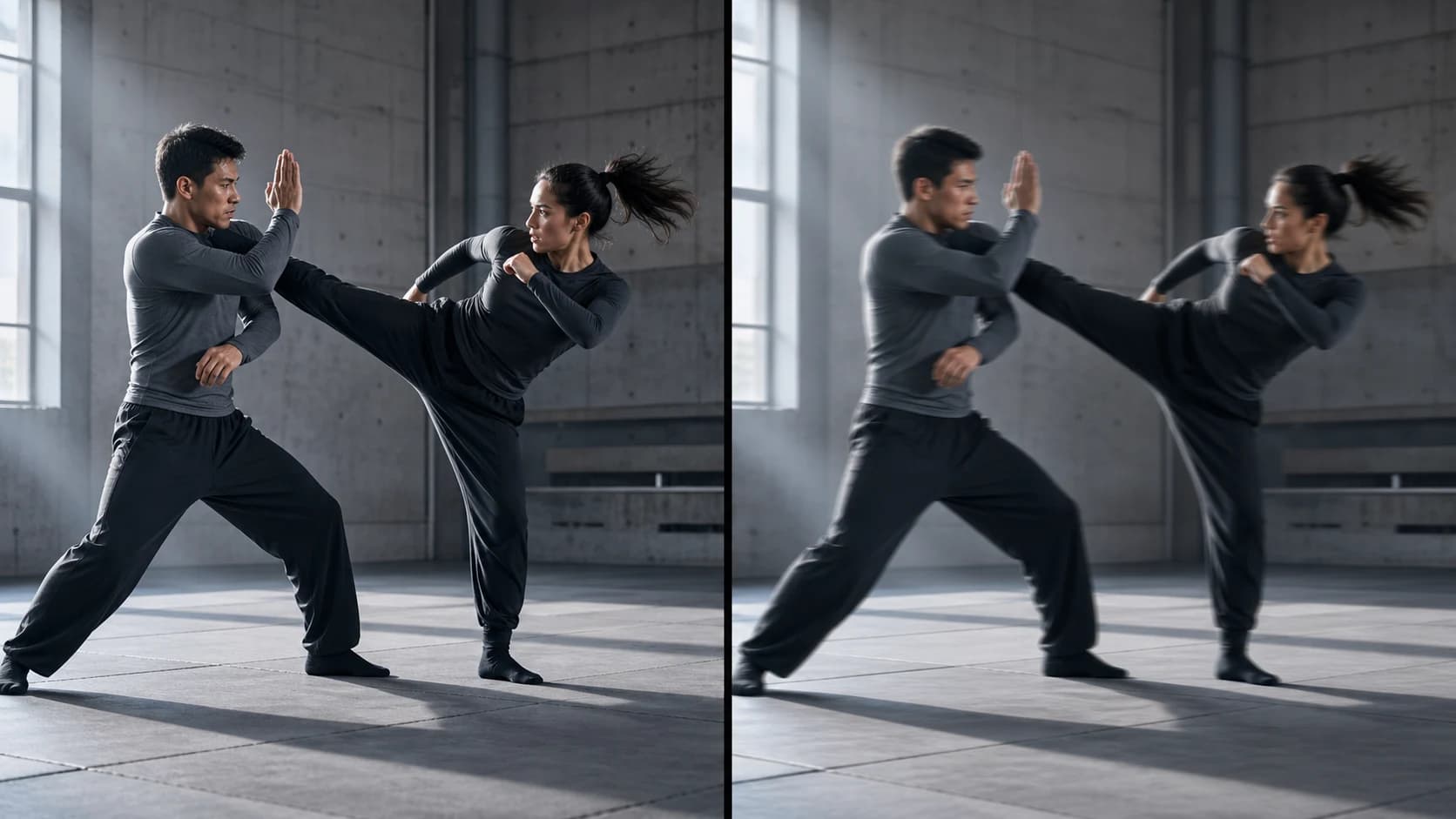
Seedance 2.0 vs Seedance 2.5 fighting test, 2.5 gets blurry during fast motion
A frame-by-frame Seedance 2.0 vs 2.5 fight test: what looks sharper, why the clips are not equivalent, and how to run a fair motion comparison yourself.
This Seedance 2.0 vs Seedance 2.5 fighting test has an obvious first impression: the side labeled 2.0 often looks sharper when the action accelerates. That observation is useful, but it is not enough to rank the models. The two halves use different framing, editing, shot density, and choreography, so they are not completing the same visual task.
The right way to read the clip is as a case study in motion clarity. It shows where fine detail becomes hard to read, how camera design changes perceived sharpness, and why one selected output per model is not a benchmark.
TL;DR
- The half labeled Seedance 2.0 presents clearer key poses more often in this clip.
- The half labeled Seedance 2.5 attempts wider, denser, more continuous combat, which is a harder clarity problem.
- Each comparison panel is only about 960×540 inside a recompressed 1920×1080 edit, so it cannot establish native-detail quality.
- Masked and stylized faces make this a poor facial-fidelity test.
- Judge motion clarity with matched inputs, several generations, native exports, and blind review.
- Use prompting to simplify action beats before relying on sharpening or upscaling.
What the Seedance 2.0 vs 2.5 Fighting Test Actually Shows
The clip places the version labeled Seedance 2.5 on the left and Seedance 2.0 on the right. Both use a white-clad, flame-headed fighter in a purple suspended-city environment, opposed by black-clad gunmen. The shared concept makes comparison possible, but the generated sequences diverge almost immediately.
Local inspection found a 14.955-second H.264 file at 1920×1080 and 30 frames per second. The visible model outputs are arranged side by side at roughly 960×540 each, surrounded by black space and labels. The combined file is encoded at about 3.3 Mbps and has AAC stereo audio.[3] Those facts matter because the published file is a comparison edit, not two untouched full-resolution exports.
| Time | Seedance 2.5 label, left | Seedance 2.0 label, right | Practical reading |
|---|---|---|---|
| 0–3s | Wide view with several gunmen and intersecting red aim lines | A larger, steadier hero pose followed by a leap | The right side gives the main subject more pixels |
| 3–5s | Wall run, rapid camera movement, then a jump | First-person weapon view with a single target | The left side combines subject and camera motion |
| 5–8s | Close combat followed by a gunman on a dish | Kick, impact frame, then comic-style split panels | Short poses and graphic cuts aid readability on the right |
| 8–12s | Glass break and continuous close-range strikes | Impact graphic, descent, cables, and a crate | The left side shows more interaction but more edge softness |
| 12–15s | A wider reset, then a stable frontal pose under aim lines | A closer one-on-one exchange | Both become easier to read when movement slows or subjects grow |
The official Seedance 2.0 launch describes a unified model for text, image, audio, and video input, with an emphasis on multi-subject interaction, physical accuracy, and controllable audiovisual generation.[1] Dreamina's current Seedance 2.5 page emphasizes longer generation, more references, R2V control, editing, and high-resolution output.[2] Neither product description guarantees that every fast-action frame will remain equally sharp, and this single clip cannot test the full feature set of either version.
For current 2.5 workflows, see Seedance 2.5. If your test begins from a designed character frame, image-to-video gives you a cleaner starting point. Use reference-to-video when motion or composition references are central to the shot.
Why Seedance 2.0 Looks Sharper Here, but the Tasks Are Not Equivalent
Seedance 2.0 looks clearer in many frames because its sequence repeatedly reduces visual load. The right side uses closer framing, isolated subjects, a first-person weapon shot, white impact graphics, and a multi-panel montage. These choices turn fast action into a chain of readable poses. They also create natural places to hide continuity changes.
The left side asks for a different kind of result. It keeps several fighters in wider compositions, moves the camera while the hero moves, stages contact between bodies, breaks glass, and maintains more continuous screen space. During the busiest moments, the robe, limbs, weapon edges, and tactical clothing soften. The loss is visible, but the shot is carrying more simultaneous motion.
There is another limitation: the clip is not well suited to judging faces. The central character has a deliberately dark, featureless face surrounded by bright flame-like hair. Opponents are masked, goggled, distant, or moving. A statement about facial-detail performance would need normal visible faces, matched close-ups, and native files.
This makes the fairest conclusion conditional. In this selected comparison, the 2.0 edit communicates key poses more cleanly. The 2.5 edit attempts more continuous choreography but loses local clarity at some motion peaks. That is a useful production observation, not a general model ranking.
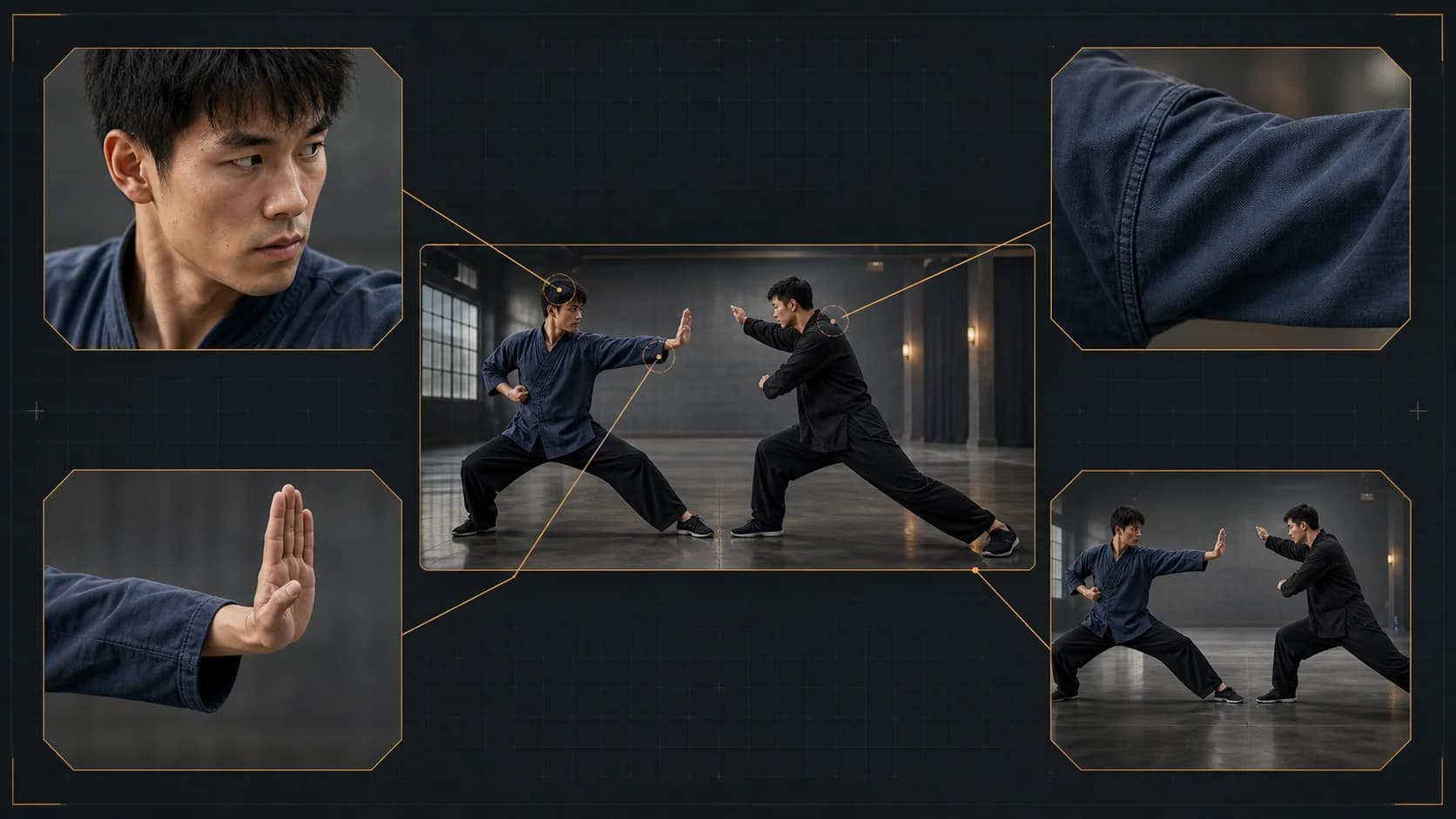
Motion Blur vs Generation Failure: What to Look For
Motion blur is not automatically a defect. A fast hand, panning background, or passing weapon should often blur in the direction of travel. That blur supports speed when the subject remains identifiable before and after the motion.
Generation failure behaves differently. Watch for anatomy that changes rather than merely blurs, clothing seams that melt into the torso, a weapon that swaps shape, duplicated limbs, texture that crawls across stationary areas, or a face that does not recover when motion stops. The decisive test is recovery: if the same subject returns to a stable structure after the action, the soft frame may be acceptable motion rendering. If identity or geometry remains changed, the problem is temporal consistency.
Review at normal speed first. Then inspect the approach, peak, and recovery frames around each major hit. A visually impressive impact can hide a broken contact point, while frame-by-frame viewing alone can make intentional blur look worse than it feels in motion. Use both views.
Upscaling belongs after this review. It can resize, sharpen, and sometimes make edges easier to perceive, but it cannot confirm which missing facial feature, finger, or fabric fold should have existed. Score the native generation before applying enhancement, or the post-processing step becomes another uncontrolled variable.
A Fair Test Protocol for Seedance Fight-Scene Motion Clarity
A useful comparison controls the production brief before it evaluates the model. Follow the same process for both versions:
- Lock the input. Use the same starting image, aspect ratio, prompt, references, duration, and output setting. Keep the source files unchanged.
- Define measurable beats. Ask for a limited sequence such as approach, block, counter, separation, and a one-second final hold. Avoid an open-ended request for an “epic fight.”
- Match the camera. Specify one framing plan for both runs. A continuous wide shot should not be compared against a close-up montage.
- Generate several samples. Use the same number of attempts for each version. A practical small test can begin with three runs per model, but larger samples reduce the influence of a lucky take.
- Keep native exports. Do not upscale, interpolate, denoise, sharpen, or recompress until the first review is finished.
- Blind the labels. Ask reviewers to score action readability, identity stability, contact accuracy, background stability, and recovery after fast movement without knowing the version.
- Report the spread. Keep failures as well as the best output. The useful question is not only which model produced the strongest clip, but how reliably it reached an editable result.
This protocol also helps with prompt iteration. If both models fail at the same beat, simplify the brief. If one repeatedly loses a prop or character while the other recovers it, you have a more meaningful difference to investigate.
Original Fight Prompt for Clear, Editable Choreography
The following prompt is deliberately restrained. It prioritizes readable contact and recovery instead of packing every possible action into one shot.
Create one cinematic fight shot using the supplied character image as the
appearance reference. Preserve both characters' faces, clothing, body scale,
weapons, and left-right positions throughout.

CAMERA
Medium-wide side view, stable horizon, slow lateral tracking only. No cuts,
no zoom, no first-person view, and no split screen.

ACTION — IN THIS ORDER
1. Fighter A advances two steps and swings once from right to left.
2. Fighter B blocks with the forearm; show one clear point of contact.
3. Both fighters separate by one body length.
4. Fighter B performs one controlled counter-kick.
5. End with both characters holding a stable pose for one second.

MOTION CLARITY
Keep silhouettes readable at each key pose. Use brief directional motion blur
only during the fastest limb movement. Restore sharp facial, clothing, hand,
and weapon structure immediately after each action.

No extra fighters, no disappearing props, no duplicated limbs, no text,
no logos, and no camera shake.
Once this basic test works, change one variable at a time: add a second camera move, a destructible object, or another exchange. Increasing complexity gradually reveals which instruction caused the output to become unstable.
Frequently Asked Questions
Does this clip prove Seedance 2.0 is better than Seedance 2.5?
No. It shows one selected output per label with different choreography and editing. It supports a narrow observation about motion clarity in this file, not a model-wide ranking.
Why does the Seedance 2.0 side look sharper?
It often uses larger subjects, shorter visual beats, isolated actions, first-person framing, and comic-style panels. Those choices reduce how much continuous motion each frame must resolve.
Is all blur during an AI fight scene a generation error?
No. Directional blur can make fast motion feel natural. Treat it as failure when anatomy, identity, clothing, or props change shape and do not recover after the movement ends.
Can an AI upscaler repair missing fight-scene details?
It can enlarge and sharpen the image, but it cannot reliably reconstruct an exact feature that was never resolved. Compare native files first, then evaluate enhancement as a separate production step.
How many generations should I compare?
Never rely on one run if you need a purchasing or production decision. Three matched runs per version are a reasonable small starting point; use more when the decision carries higher cost, and report every run rather than only the winner.
Which version should I use for fight scenes?
Prototype the exact shot in both when access permits. Favor the version that repeatedly preserves your required contact points, identities, and final pose. A model that wins a wide continuous shot may not win a close facial exchange.
Conclusion
This Seedance 2.0 vs Seedance 2.5 fighting test does show more readable key poses on the side labeled 2.0 and more visible softness during several fast 2.5 moments. It also compares different cinematic strategies inside a reduced, recompressed layout. Use it to sharpen your review criteria, not to declare a universal winner. Matched prompts, native exports, repeated runs, and blind scoring will tell you far more about the model that fits your fight workflow.
References
[1] ByteDance Seed Team, “Seedance 2.0 Official Launch”, February 12, 2026.
[2] Dreamina, “Official Seedance 2.5 AI Video Generator”, accessed August 5, 2026.
[3] Local technical inspection of the embedded comparison file, August 5, 2026: FFprobe metadata, full FFmpeg decode, panel-layout inspection, and SHA-256 verification.
Author

Categories
More Posts

How to make an anime music video with AI, step by step
Learn how to make an anime music video with AI: lock a character's look with reference-to-video, then cut every scene to the beat with a beat-sync tool.

Seedance 2.5 API: Release Status and Your Options
The Seedance 2.5 API is still pre-launch: what ByteDance has said, what coming-soon listings mean, and what developers can actually build with today.

How to use reference images in Seedance 2.0 for consistent AI video
A practical guide to using reference images in AI video generation. Covers character consistency, style matching, and multi-reference workflows with Seedance 2.0 and other tools.