3 days 08:32:36
Unlimited GPT Image 2 & Nano Banana 2 LiteGet Unlimited

Midjourney v8.2 & v8.1

Midjourney Online Four images from a single prompt.

Midjourney is the image model art directors reach for when the aesthetic has to carry the work. Every native flag is a real control here, so you steer the render with numbers instead of retyping the prompt and hoping.

Current v8 rendersStyle reference4 images per promptImage promptsAny aspect ratio24 native flags

Made with Midjourney

Midjourney work shared publicly on X by the community. Nothing is cropped to a uniform grid — the shapes are the point. Click any image to open it full size.

Model capabilities

What Midjourney v8 actually does

Midjourney trades literal prompt obedience for aesthetic range. Its parameters control how much of that house style lands on your image, and each one moves a specific dial.

Try a prompt
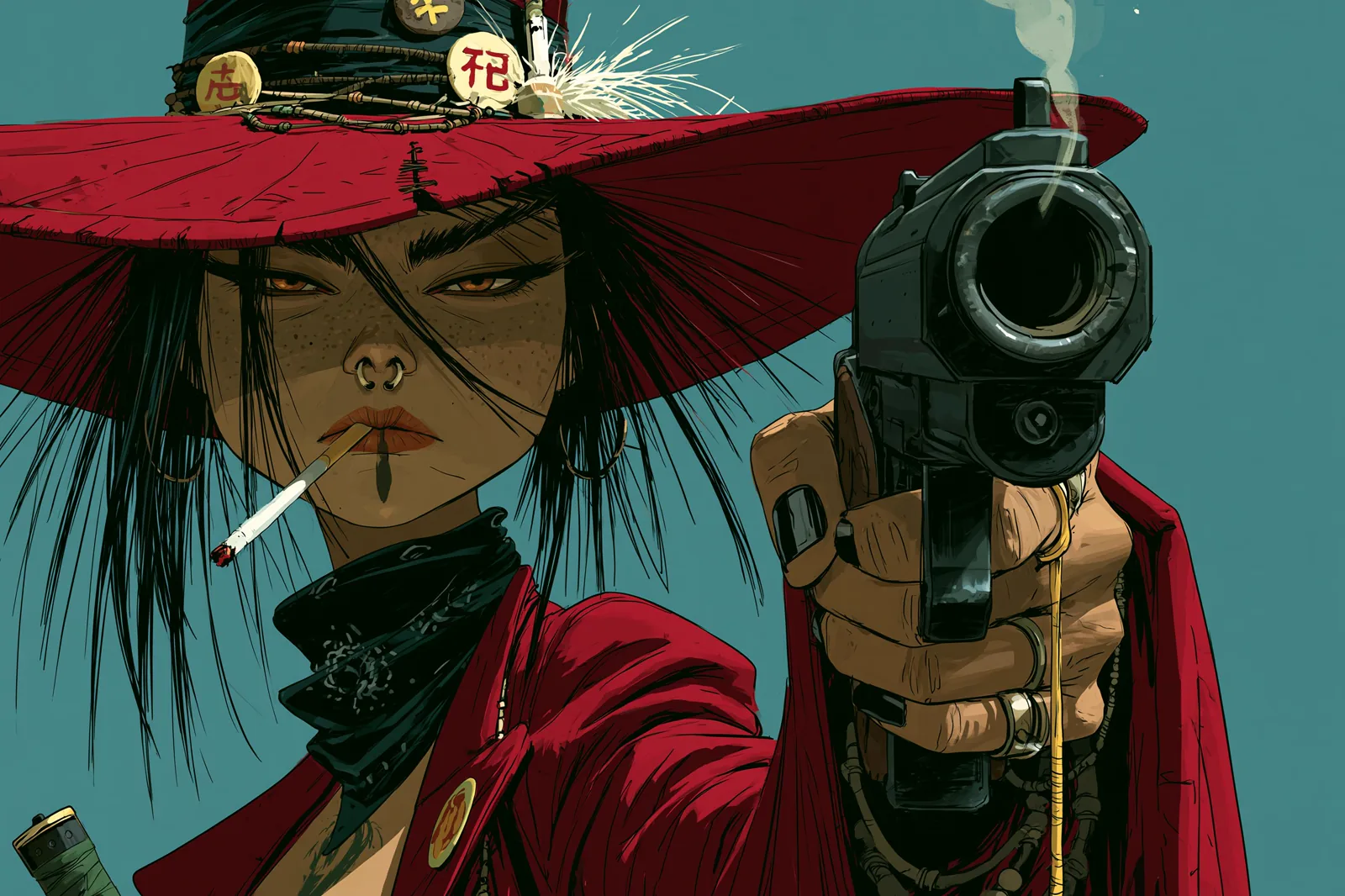
Comic-style illustration of a gunslinger in a wide red hat aiming a revolver, rendered in a European bande dessinée style
01Model capabilities

One model, every illustration style

Comic linework, screenprint posters, painterly realism, flat editorial. Midjourney covers all of it from a text prompt. v8.2 is the newest render and v8.1 sits beside it, reading prompts tightly and holding small details, so switching is a genuine creative choice.

--v 8.2 --style raw --ar 3:2
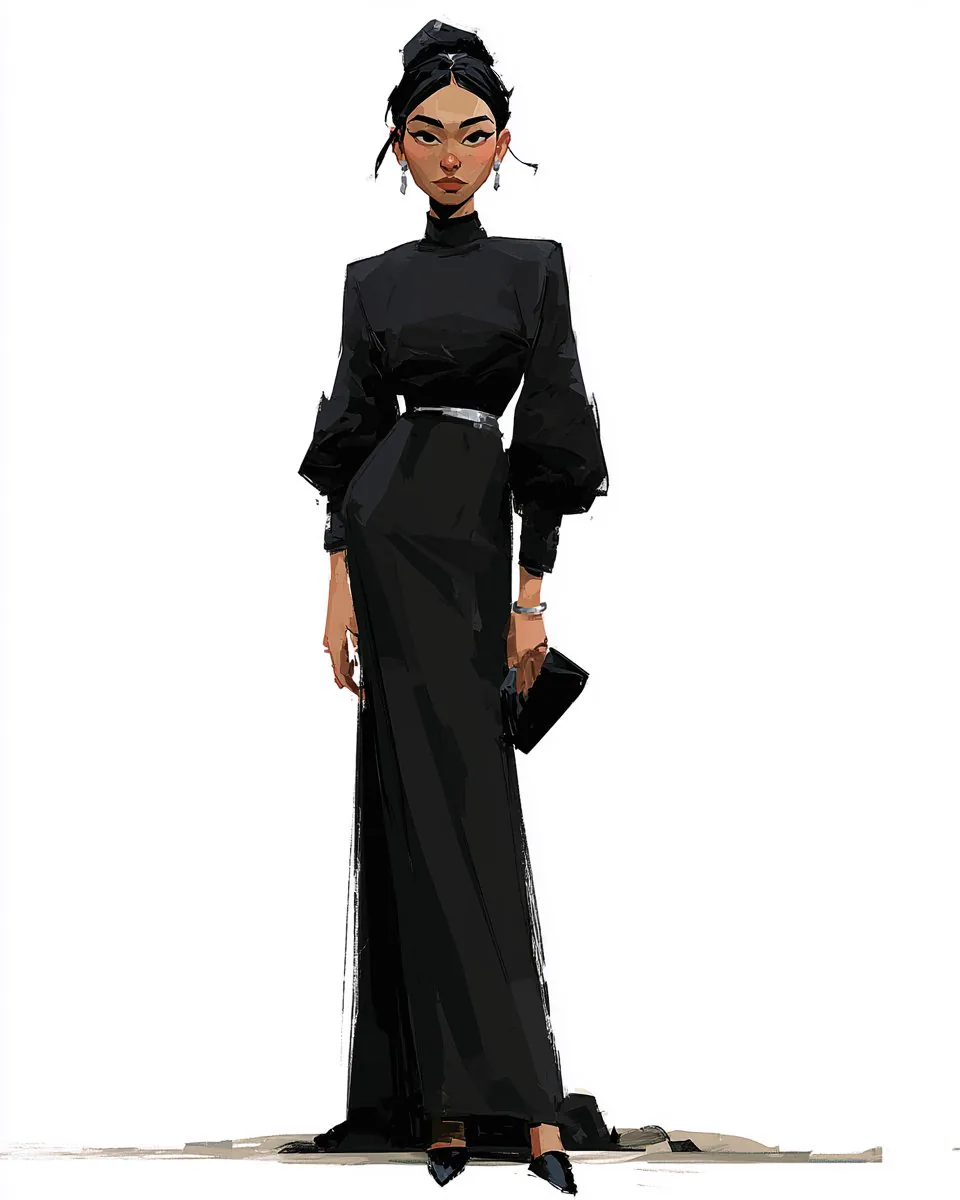
Character sheet of a woman in a floor-length black gown, drawn on a plain white background
02Model capabilities

Transfer a look, not a subject

Point Midjourney at an image you like and its palette, linework and texture carry into whatever you generate next. The subject stays yours. Style weight sets how literally Midjourney follows the reference, which is how a set of images becomes one body of work.

--sref your-reference.jpg --sw 400

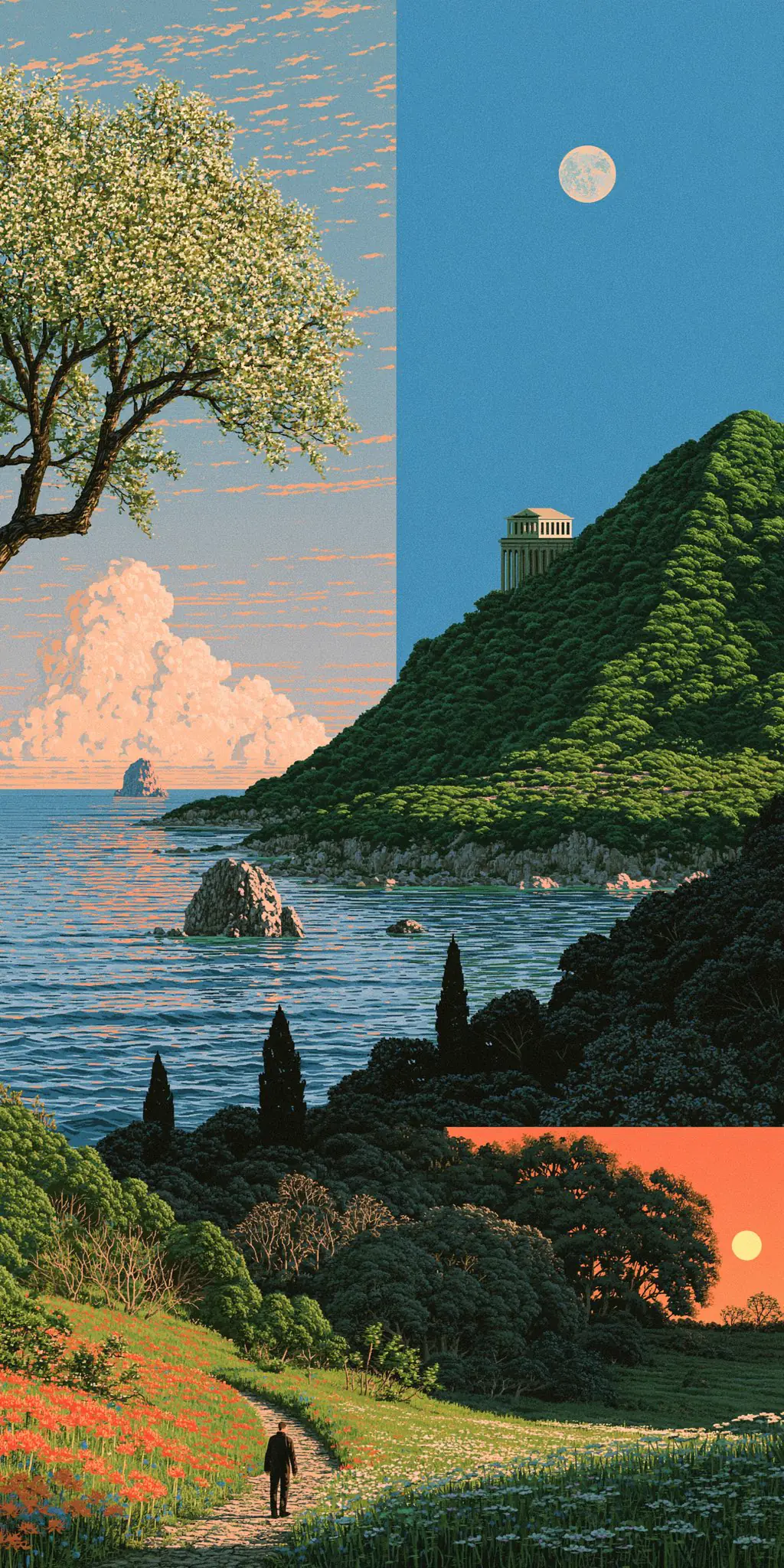
Woodblock-print coastline split into three seasons: blossom, moonlit hillside temple and sunset meadow
03Model capabilities

Any aspect ratio, not a dropdown

A 1:2 vertical panorama, a 21:9 banner, an odd 7:4 crop for a layout. Midjourney takes a free-form width-to-height value, and the ratio shapes composition rather than just cropping — the same prompt frames its subject differently at each shape.

--ar 1:2

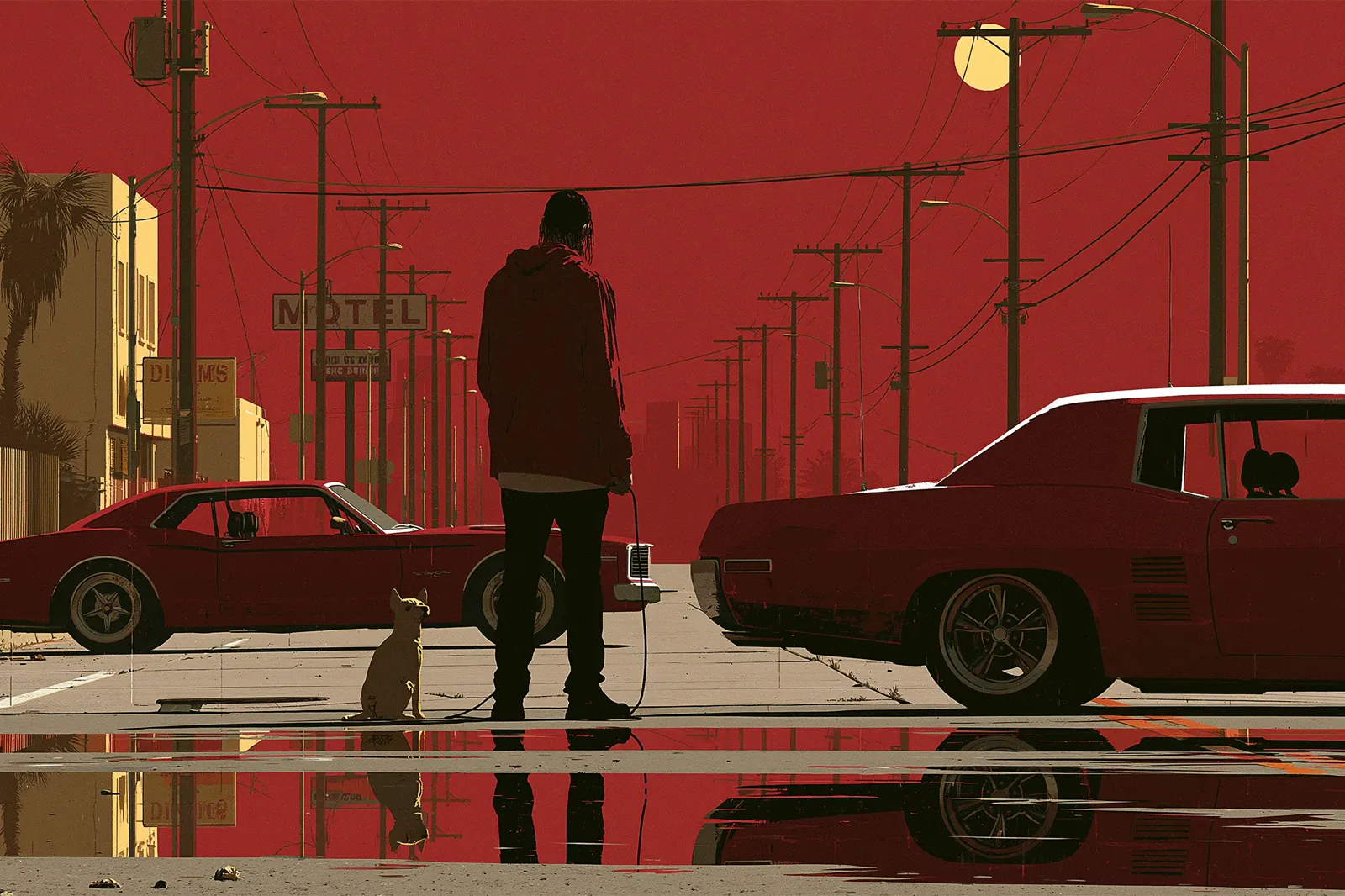
Minimal poster illustration of a figure and a dog on a red-skied street between two muscle cars
04Model capabilities

Steer the look with numbers

Stylize decides how hard Midjourney pushes its own taste over your literal words, on a 0 to 1000 scale. Chaos sets how far apart the four returned images land. Weird pushes toward the unconventional; raw pulls the house style back. Together they turn a lucky Midjourney render into a repeatable one.

--s 250 --c 15 --raw

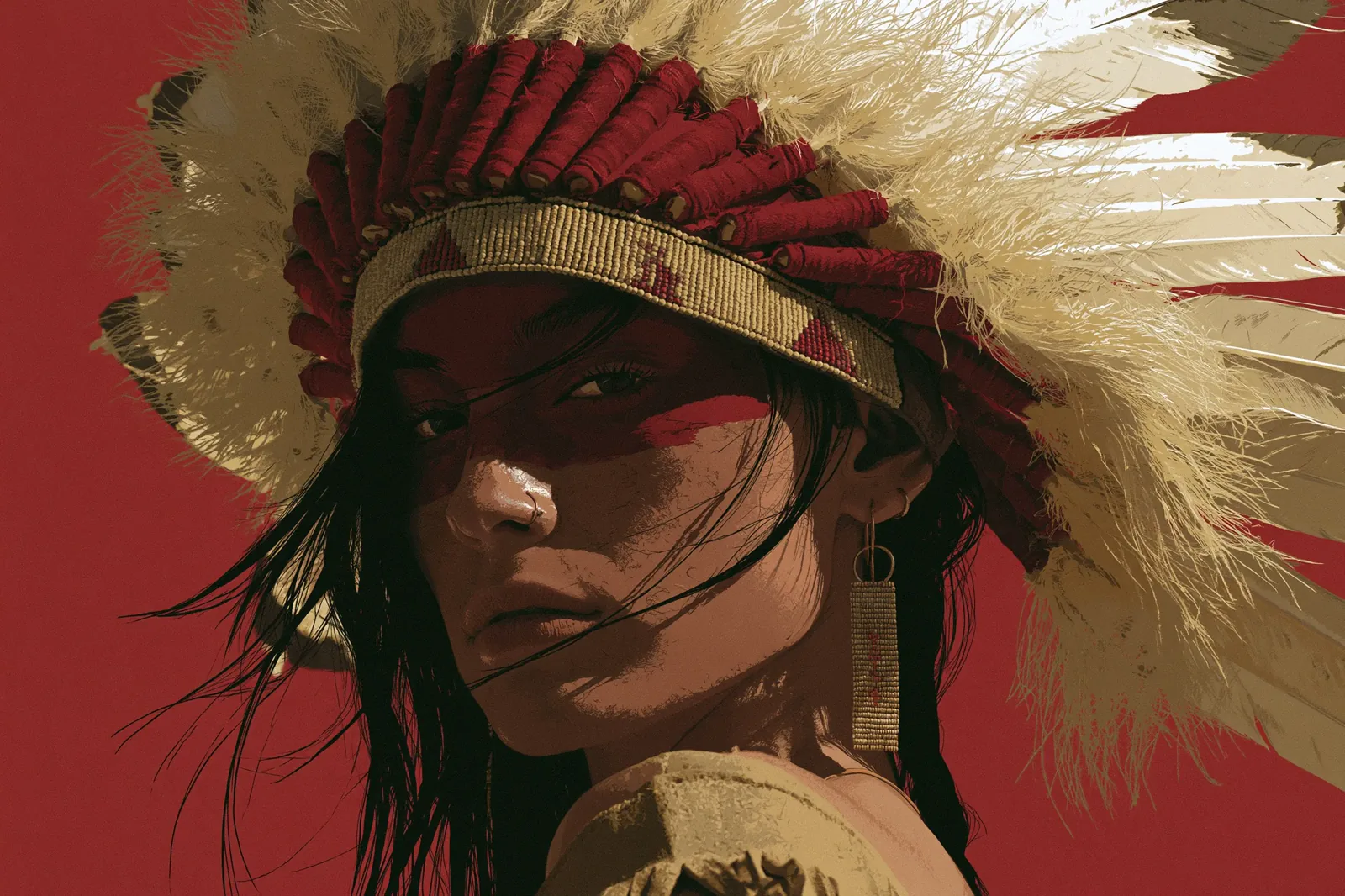
Painterly close-up portrait of a woman in a feathered headdress against a deep red background
05Model capabilities

Four directions from every prompt

One Midjourney prompt returns a grid of up to four images, not a single answer. That is the model's working rhythm: generate, read four takes, follow the one that surprised you. Quality runs from a rough 0.25 pass to a detailed 2, with an HD tier for finals.

--q 2 --hd

What it is

What is Midjourney?

Midjourney is the image model illustrators, concept artists and art directors use to define what AI illustration looks like. Version 8.2 became the default render in July 2026, with 8.1 alongside it. Both return four images from one prompt.

What separates Midjourney from general-purpose image models is taste rather than resolution. Midjourney applies a strong aesthetic of its own, and its two dozen parameters control how much of it you get. Those parameters began as flags typed into a chat box; here they are ordinary form controls.

Pick the right model

Midjourney vs GPT Image 2

Two models built for different jobs. Choosing by reputation instead of by task is how good prompts produce disappointing images.

CapabilityMidjourney v8GPT Image 2
Best forIllustration, concept art, posters, character designLiteral prompts, product shots, images with text
Images per promptUp to 4 to choose from1 per prompt
Aspect ratioAny width:height value14 fixed presets
Model versionsBoth current v8 rendersSingle current model
Style reference (transfer a look)
Numeric style controls
Queue speed choice
Reliable text inside the image
Precise edits to an existing image

Neither column wins outright. Reach for Midjourney when the look carries the work, and for GPT Image 2 when the image must hold readable text or follow a literal instruction.

Where it earns its keep

What people build with Midjourney

Four jobs where Midjourney's opinionated look is the feature rather than the obstacle.

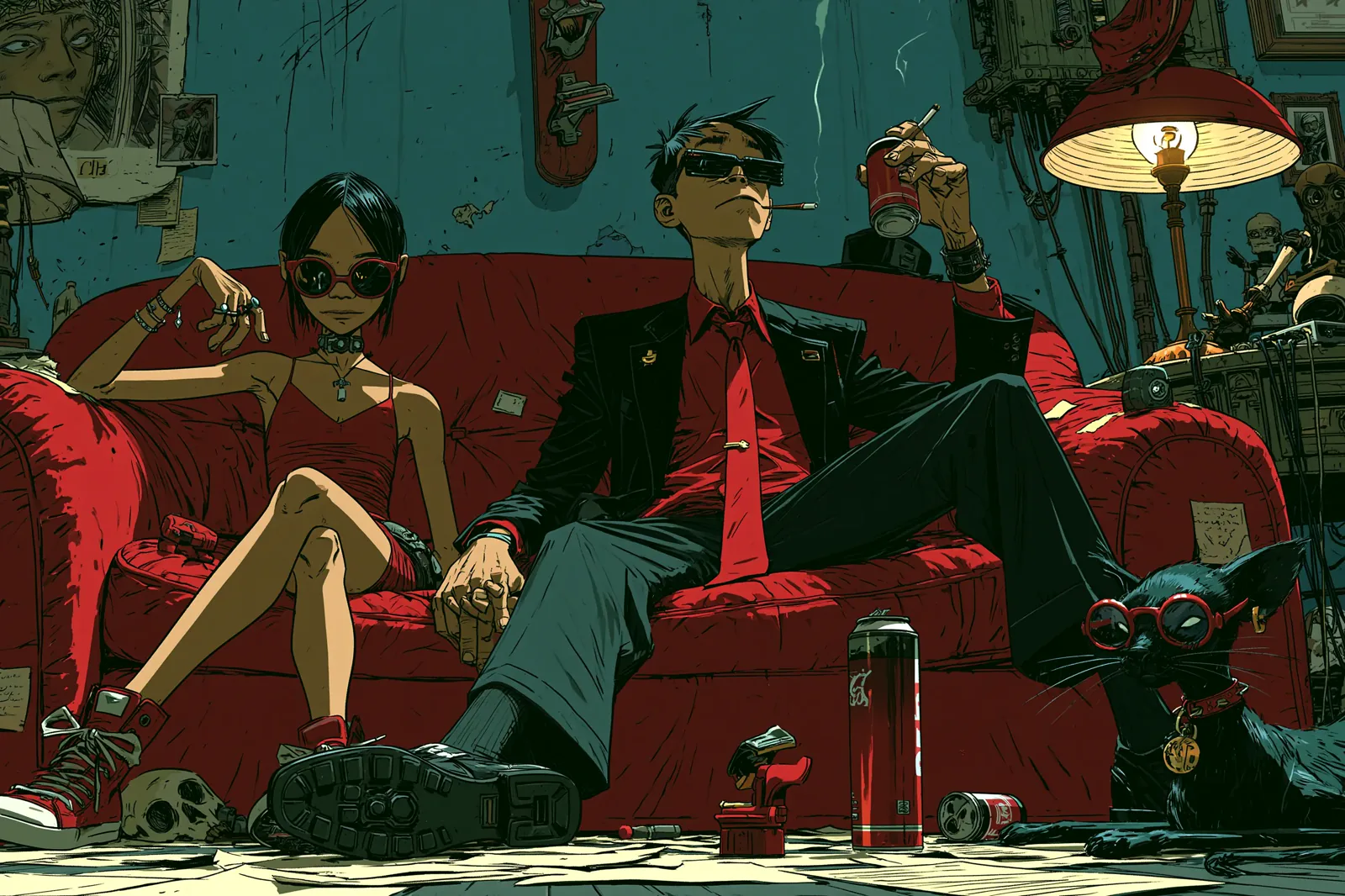
Two figures in sunglasses lounging on a red couch in a cluttered apartment with a black cat
01What people build with Midjourney

Concept art and world-building

Interiors, props and mood in one pass, with enough incidental detail to suggest a world instead of illustrating a sentence. Raise chaos and the four Midjourney images diverge, turning one prompt into four directions to explore.

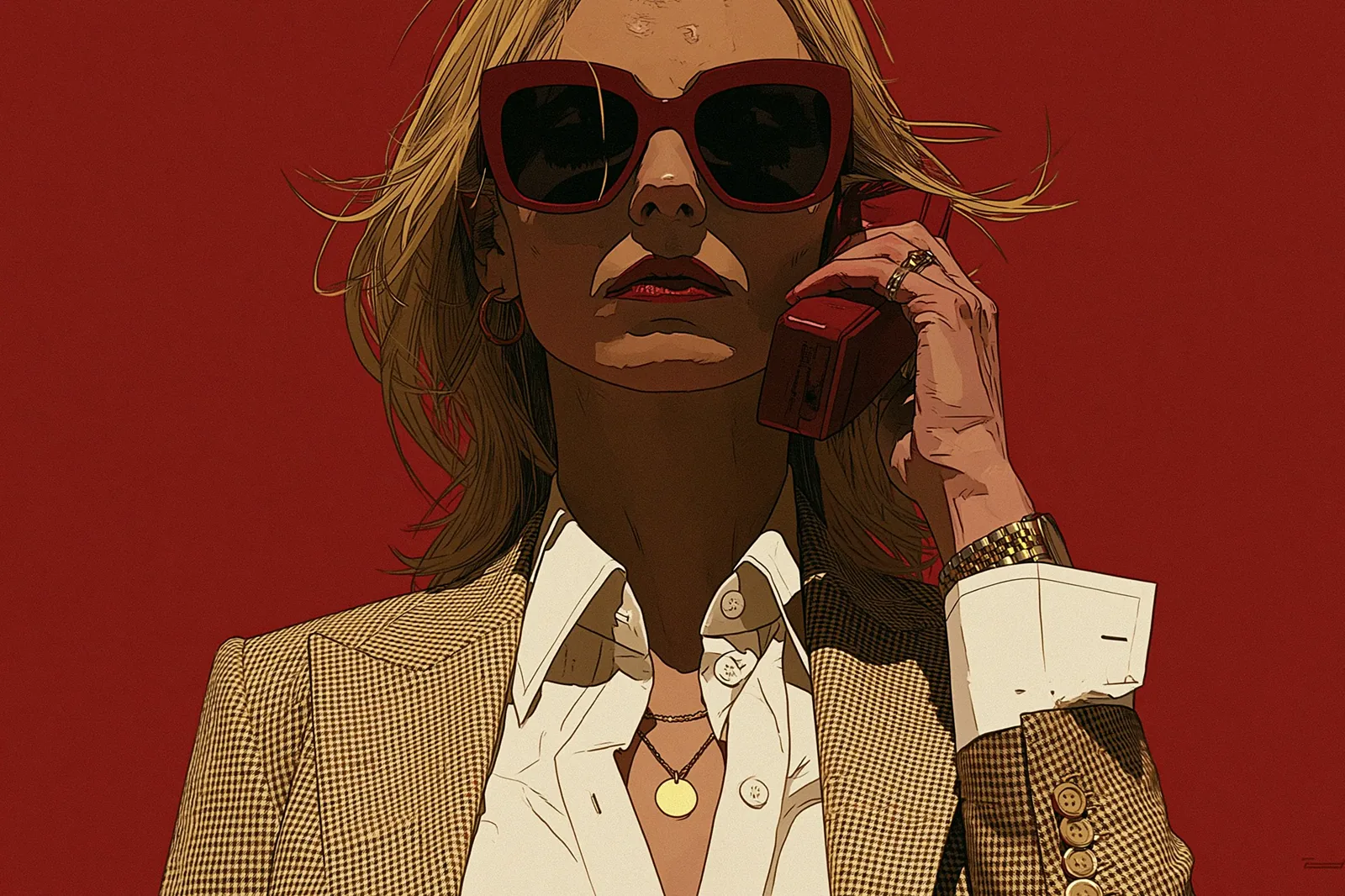
High-contrast editorial illustration of a woman in sunglasses taking a call against a scarlet backdrop
02What people build with Midjourney

Editorial and campaign art

Flat colour, hard shadows, one dominant hue. Midjourney produces this without being asked twice. Pair a Midjourney style reference with a low stylize value when a client already has a visual language you must stay inside.

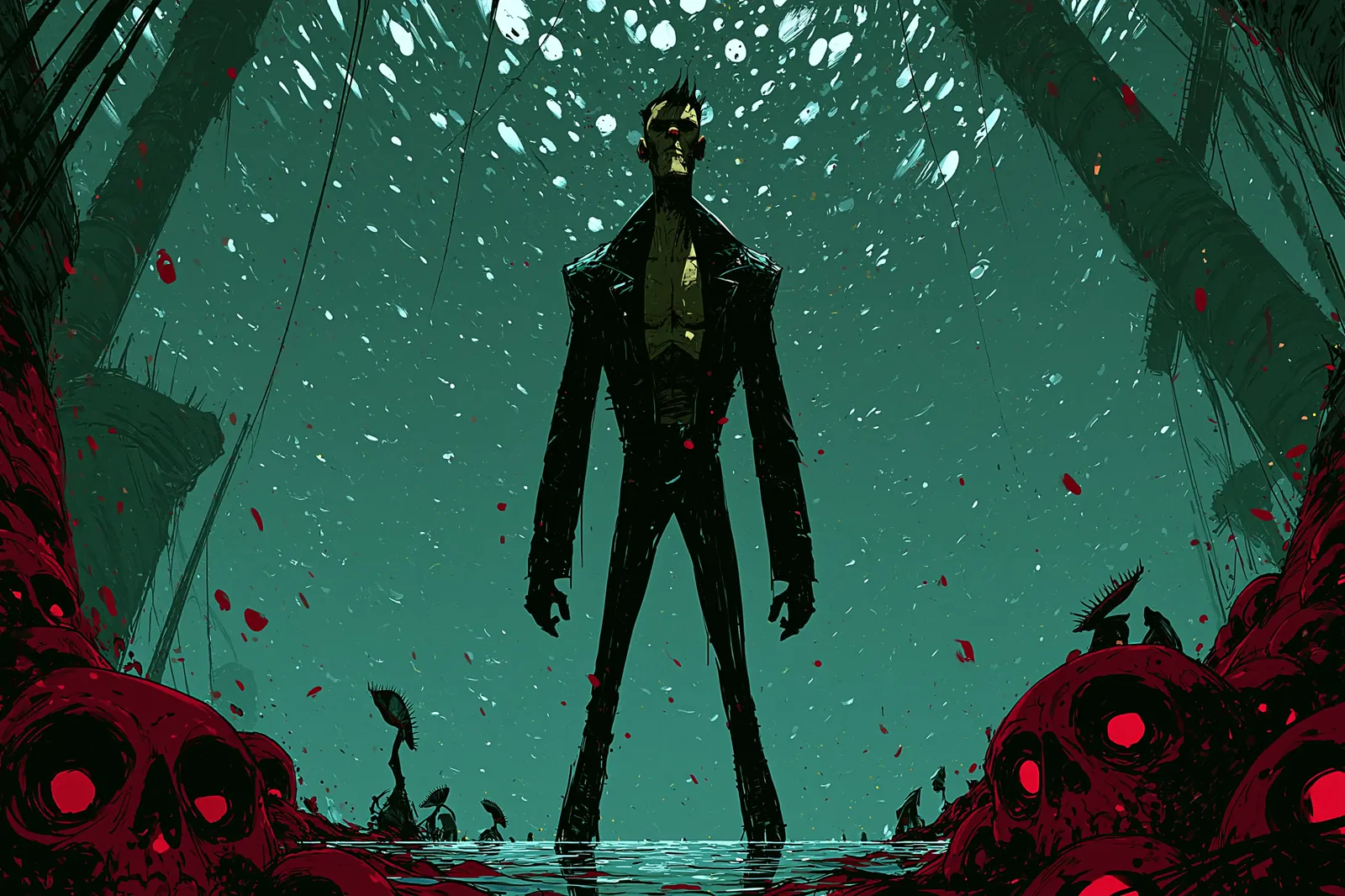
Dark illustration of a tall figure standing among crimson skulls under a teal sky
03What people build with Midjourney

Game art and key visuals

Silhouette-first composition, limited palettes and atmosphere hold up at key-art scale. Midjourney's weird and stylize dials get you off the safe centre of a genre without a paragraph of adjectives.

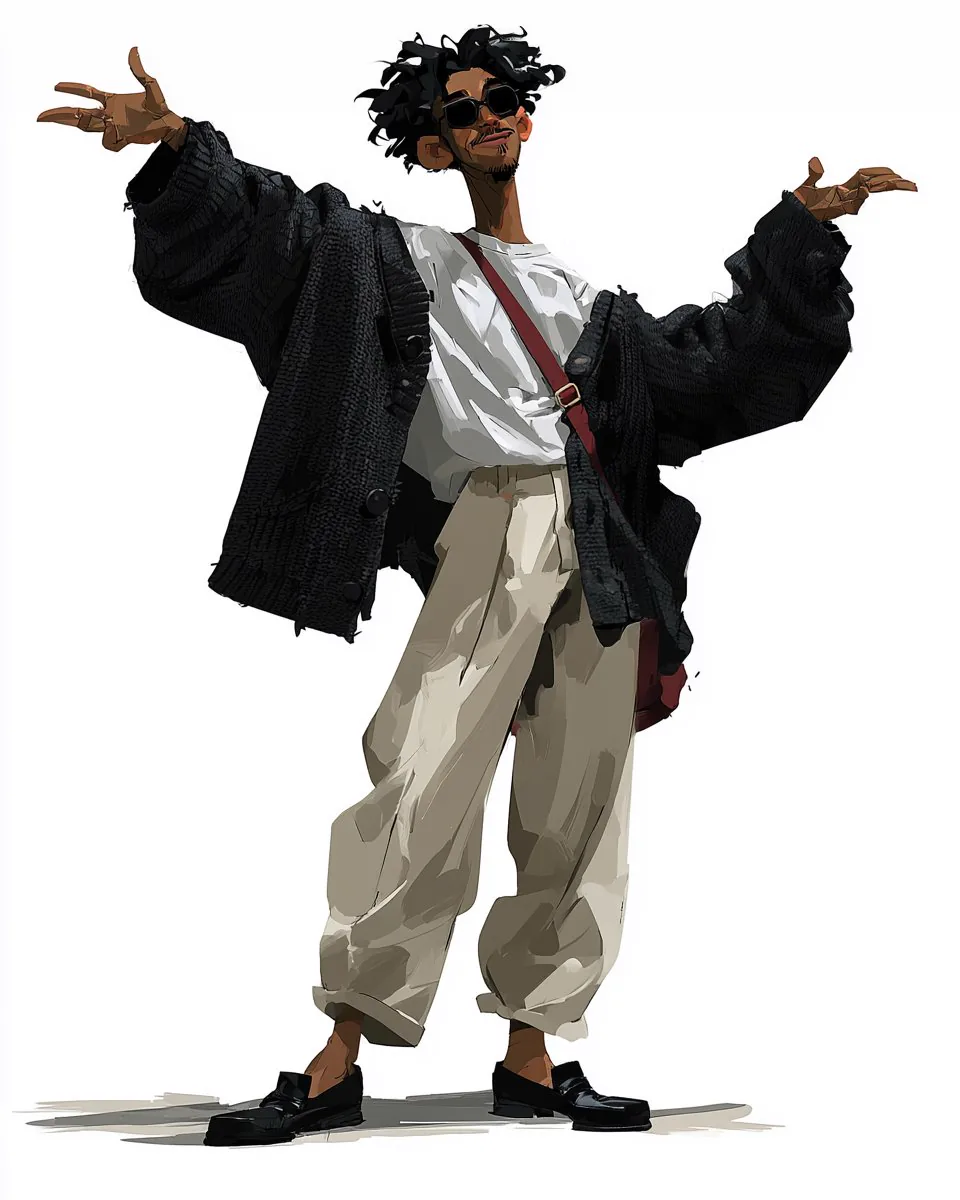
Character sheet of a figure in an oversized knit cardigan with arms outstretched
04What people build with Midjourney

Character sheets and fashion

Plain backgrounds, full-body poses and consistent proportions across a cast. A Midjourney style reference plus a reused seed keeps the rendering language fixed while the figure changes.

How to use it

How to use Midjourney in three steps

No Discord, no slash commands, no flags to memorise.

  1. 01

    Describe the image and set the shape

    Tell Midjourney what you want in plain language, then pick the aspect ratio. Ratio changes composition rather than just the crop, so choose the shape you actually need before polishing the wording.

  2. 02

    Steer it with stylize and references

    Raise stylize for a stronger Midjourney signature, lower it to stay closer to your words. Add a style reference to match a look you already have. Anything you leave untouched is simply not sent to the model.

  3. 03

    Read the grid, then iterate

    One Midjourney prompt returns up to four images. Pick the one closest to your intent, note its seed, and adjust a single dial at a time instead of rewriting the whole prompt.

Start generating

Getting more out of it

Four things worth knowing

Most disappointing Midjourney results come from fighting the model instead of using its controls.

Tip 01

Stylize is the first dial to touch

Generic results mean stylize is too low. Ignored details mean it is too high, or you want raw mode. Most of the prompt rewriting people do is really a stylize problem.

Tip 02

Show the style, do not describe it

Two runs of the same adjectives drift apart. A style reference does not. Point Midjourney at an image and let style weight control how closely it follows.

Tip 03

Set the ratio first

Midjourney frames the same prompt differently at 1:2 and at 3:2. Lock the shape you need, then iterate on wording.

Tip 04

Speed does not change the image

The three Midjourney queue speeds change how long you wait, nothing about the render. The image is identical, so there is no quality reason to avoid the slow queue while exploring.

FAQ

Midjourney questions people actually ask

Versions, references, and what Midjourney is not good at.

v8.2 became the default in July 2026 and focuses on aesthetics, image quality and Personalization, producing bolder and more sophisticated results. v8.1 is the faster model, reads prompts tightly and holds small details, and introduced the HD tier for higher-resolution output without upscaling.

Up to four. Midjourney's working rhythm is a grid of variations rather than one answer, so you pick a direction instead of accepting a single result. Content review occasionally filters one, in which case fewer come back.

No. The three speeds change queue priority and how long you wait. The image Midjourney renders is identical, so the slow queue is a fine place to explore before committing.

v8.2 and v8.1, the two current renders. Older v7 and v5.x lines and the Niji anime model are not offered, because this integration targets v8 specifically.

Not through a character reference. Midjourney removed that flag at v7 and it does not work on v8, so anything promising it here would be wrong. What does work is a style reference to hold the rendering language steady, a reused seed, and a written description you keep constant.

Not reliably. Short words sometimes land, longer strings usually come out garbled. This is a known limit of Midjourney rather than a prompting mistake. When the image must carry accurate text, GPT Image 2 on this site handles it better.

Yes. Midjourney image prompts and style references both take an uploaded picture, and image weight controls how much the picture outweighs your words. What is not available is targeted editing of an existing image, changing one object and leaving the rest alone.

Midjourney takes a free-form width-to-height value rather than a fixed list, with a documented maximum of 14:1 on v8. Common shapes sit in the picker; anything unusual goes through the extra-flags field verbatim.

Ready when you are

Start with a prompt.

Midjourney v8.2 and v8.1, with every native flag as a real control instead of syntax you have to remember.