
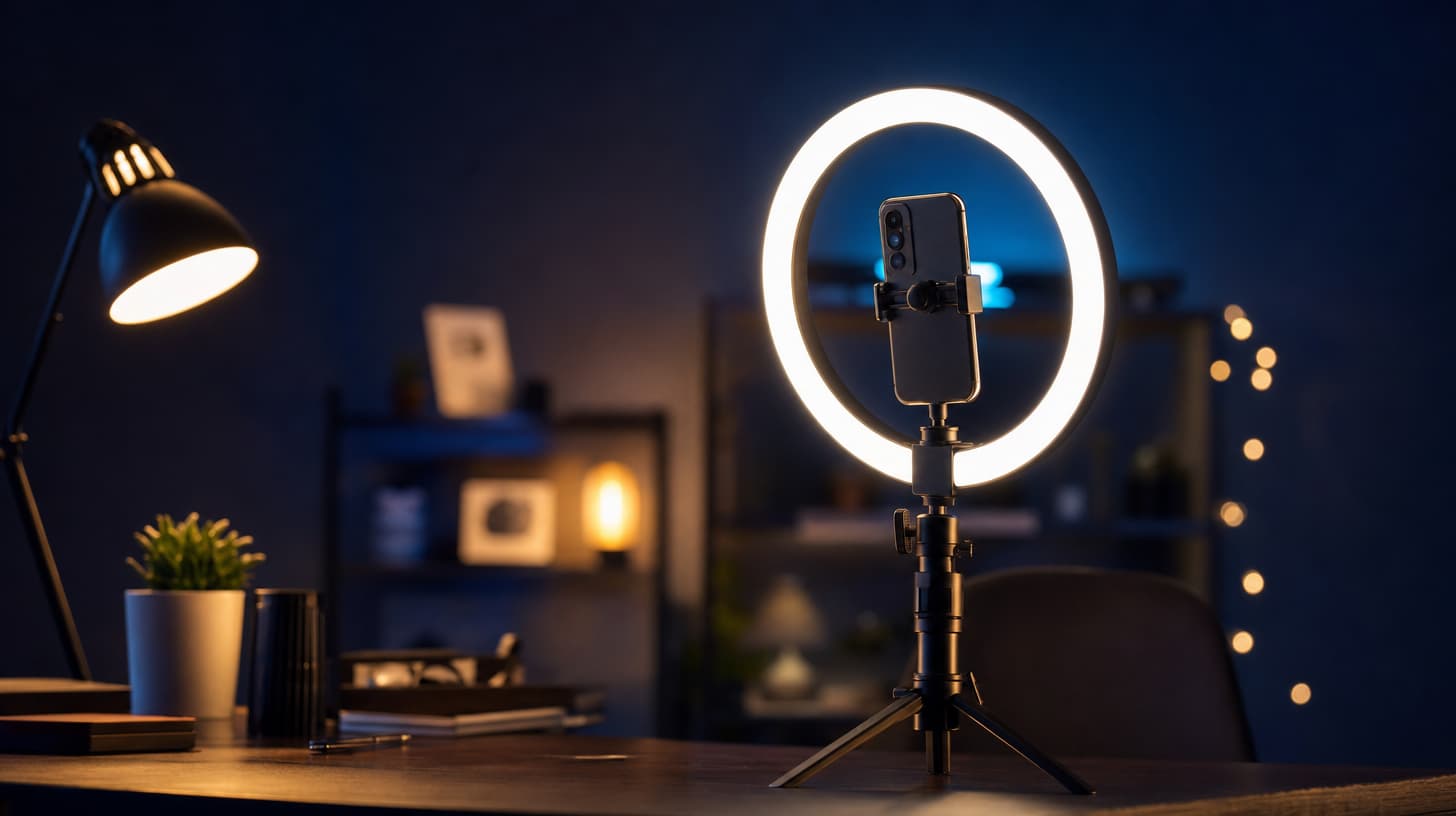
How to Make AI Videos for TikTok That Actually Land
Make AI videos for TikTok that hold the first two seconds: 9:16 vertical settings, hook-first prompts, watermark-free exports, and fast batch variant testing.
Making AI videos for TikTok fails in a predictable place. The clip looks fine in the studio, then dies in the feed because it was built like a landscape film and dropped into a vertical scroll. The format punishes anything that ignores its shape. Vertical frame, sound on, and a first frame that stops a thumb, or the view count stays flat.
This guide is the practical version. How to set the 9:16 frame so nothing important sits outside the crop, how to write the first two seconds as the real hook, why generating without a watermark changes what you can post, and how to batch-test variants instead of guessing which idea the feed wants. You can follow it in text-to-video or any of the studio tools linked below.
TL;DR
- Shoot vertical from the prompt. Set 9:16 before you write; a horizontal clip cropped to vertical loses the sides where a landscape composition puts its subject.
- 720p vertical (720×1280) is enough for the feed. Standard tiers render at 480p or 720p; 1080p and 4K live on the Portrait tier and are mostly wasted on short-form.
- The first two seconds carry the video. Front-load the subject, the motion, and the sound in the prompt so frame one already moves.
- Post straight from the export. Generations come out with no watermark on any tier, so there's no logo to crop and no re-encode before upload.
- Test in batches. Generate several variants of one idea, let the feed judge, and keep the opener that holds up.
Set the 9:16 frame before you write a word
TikTok is a 9:16 vertical surface. Everything else is a compromise you can see. Generate a 16:9 clip and crop it to vertical later, and you throw away the sides of the frame, which is exactly where a horizontal composition puts its subject. Set the aspect ratio to vertical at generation time in text-to-video and the model composes for the tall frame from the start.
Framing inside that frame matters too. The bottom third and the right edge of a TikTok get covered by the caption, the username, and the action buttons. Keep faces and any on-screen text in the middle band so the interface doesn't sit on top of them. If you're animating a still, the same rule applies in image-to-video: pick a source image already composed vertical, not a landscape photo you're hoping survives the crop.
On resolution, resist the 4K reflex. Standard tiers render at 480p or 720p, and 720p vertical works out to 720×1280, which is sharp on a phone held at arm's length. 1080p and 4K only exist on the Portrait tier, and paying for 4K on a clip that plays for six seconds in a vertical feed is mostly dead money. Render at 720p and spend the saved budget on more variants.
The first two seconds are the whole hook
A TikTok is decided in about the time it takes to think "no." If the first frame is a slow fade from black, or a wide establishing shot that resolves later, you've spent the entire hook on setup nobody waits for. Write the prompt so the video opens in the middle of the action.
Put the moving subject and its sound at the front of the prompt instead of describing a scene that builds. "A fade in on an empty kitchen, then a chef enters" wastes the hook. "Close on hands cracking an egg into a hot pan, oil hissing, steam rising" starts moving on frame one. The camera should already be doing something: a fast push in, a quick whip, a subject caught mid-gesture.
Sound belongs in the hook, not in a layer you add afterward. Native audio generates with the clip, so you can specify the sizzle, the line of dialogue, or the ambient room tone in the same prompt, and the model produces it lip-synced and timed to the motion, across languages. On a platform people watch with sound on, a silent clip reads as unfinished. The prompt formula covers the full slot structure; for TikTok, the move is loading the first slot with something already in motion.
No watermark means you post straight from the export
Plenty of AI video tools stamp a logo on the corner of free or lower-tier output. That one design choice breaks your whole posting flow. You either crop the watermark out, which eats into your 9:16 frame and shifts the composition you were careful about, or you push it through a watermark remover, which softens the picture and adds a generation loss you can see on a phone.
Generations here come out clean, no watermark on any tier. The export is the upload. You download the vertical file and post it with the framing you composed and the quality you rendered, no step in between. If you post more than occasionally, removing that single friction point is the difference between a workflow you keep and one you quietly abandon.
It changes how the clip reads, too. A visible tool watermark tells every viewer the video is AI stock, which is a credibility tax at the exact moment the hook is trying to win the view. Clean output lets the video win on the shot itself.
Batch variant testing: the real way to make AI videos for TikTok
You don't know which opener will hold. Neither do I. The feed is the only judge that counts, so the workflow that wins is the one that lets you ask it cheaply and often. That means generating variants of one idea, not one precious clip.
Pick an idea and vary a single lever: the first two seconds. Same subject, same payoff, three different openers, one pushing in, one starting on a small detail, one opening on the sound. Draft them on the Mini tier, where a failed idea costs the least, then re-run only the opener that reads best at delivery quality. The tier ladder exists for exactly this: cheap for testing, standard for the keeper.
The studio runs generations in parallel, so a batch of five variants renders together instead of one at a time. Queue them, review them in one sitting, and post or schedule the two that survive. If you want a recurring character or product to hold across every variant, attach the same images in reference-to-video so the subject stays consistent while you test openers around it. And if the clip is built to a song, beat-sync-video times the cuts to the track's beats, which is its own kind of hook on a music-driven feed.
The mindset shift is small and it's most of the job. Instead of making one AI video for TikTok and hoping, you make a batch, let the feed pick, and keep the winner as the template for the next round.
Match the length to the format, not your instincts
TikTok rewards short and complete over long and wandering. The standard clip lengths, 5, 10, and 15 seconds, map cleanly onto the surface: 5 seconds for a single punchy beat, 10 to 15 for a clip with a small arc. When a segment genuinely needs room, the Seedance 2.5 studio stretches to 30 seconds, but on TikTok longer is a choice you justify, not a default.
If your idea is a sequence rather than one shot, generate the beats separately and cut them together, or use video-editing to trim and adjust an existing clip instead of regenerating the whole thing. A tight 8-second cut of a 15-second render often beats the full clip, because you're removing the two slow seconds that would have lost the viewer.
Frequently asked questions
What aspect ratio should AI videos for TikTok use?
9:16 vertical. Set it at generation time so the model composes for the tall frame, rather than generating widescreen and cropping the sides off later. Keep your subject and any text in the middle band, since TikTok's caption and buttons cover the bottom and right edges.
Do I need 4K resolution for TikTok?
No. 720p vertical (720×1280) is sharp on a phone, and it's what the standard tiers render. 1080p and 4K are limited to the Portrait tier, and short-form vertical clips don't benefit from that resolution enough to justify the cost. Render at 720p and put the savings into testing more variants.
Are the generated videos watermark-free?
Yes, on every tier. There's no logo to crop out and no re-encode through a watermark remover, so the file you download is the file you upload, with the framing and quality you rendered intact.
How long should a TikTok AI video be?
Usually 5 to 15 seconds. Use 5 for a single beat and 10 to 15 for a clip with a small arc. The Seedance 2.5 studio can go to 30 seconds when a segment needs the room, but treat longer as a deliberate call, not the starting point.
Do I need a separate app to add sound?
No. Native audio generates with the clip. Describe the dialogue, sound effects, or ambient tone in the same prompt and the model produces it lip-synced and timed to the motion. Since TikTok is watched with sound on, generating audio in the clip beats bolting it on later.
How do I try it without a credit card?
Registering grants free credits with no credit card required. That's enough to draft a first batch on the Mini tier, pick the opener that holds, and run the keeper at standard quality. See pricing for how the credits and tiers work.
Ship the batch and let the feed decide
None of this is complicated, it's just specific. Set the 9:16 frame before you write, then load the first two seconds with motion and sound. Post the clean export straight, since there's no watermark to crop around. And make variants instead of single bets, letting the scroll tell you which opener earned the view.
The tools are one click apart. Start a batch in text-to-video, draft cheap, keep the winner, and repeat. Free credits at signup mean the first batch costs nothing but the time it takes to pick a good opener. Do that for a week and you'll have a repeatable way to make AI videos for TikTok, faster than you can write captions for them.
Further reading
- The Seedance 2 prompt formula — the six-slot structure behind every hook-first prompt above.
- Camera movement prompt list — the exact phrasing for push-ins, whips, and the moves that open a clip in motion.
- Mini vs Fast vs Standard — which tier to draft on and which to keep for the post.
- How to automate AI videos for YouTube — the batch pipeline applied to long-form segments.
- Does Seedance do 4K? — where high resolution belongs, and why AI videos for TikTok rarely need it.
Author

Categories
More Posts

Seedance 4K: What Actually Supports It Right Now
Seedance 4K explained with sources: which model officially supports 4K output, what runs at 4K on seedance2.so today, and when 4K is worth the credits.
Seedance 2.5 Release Date: What's Confirmed So Far
The Seedance 2.5 release date tracked against official sources: the June 23 announcement, the July launch window, what ByteDance confirmed, what is rumor.

How to make movie recap videos with AI, legally
How to make movie recap videos with AI for a faceless channel: split the story into beats, generate segments, assemble the timeline, and stay copyright-safe.