
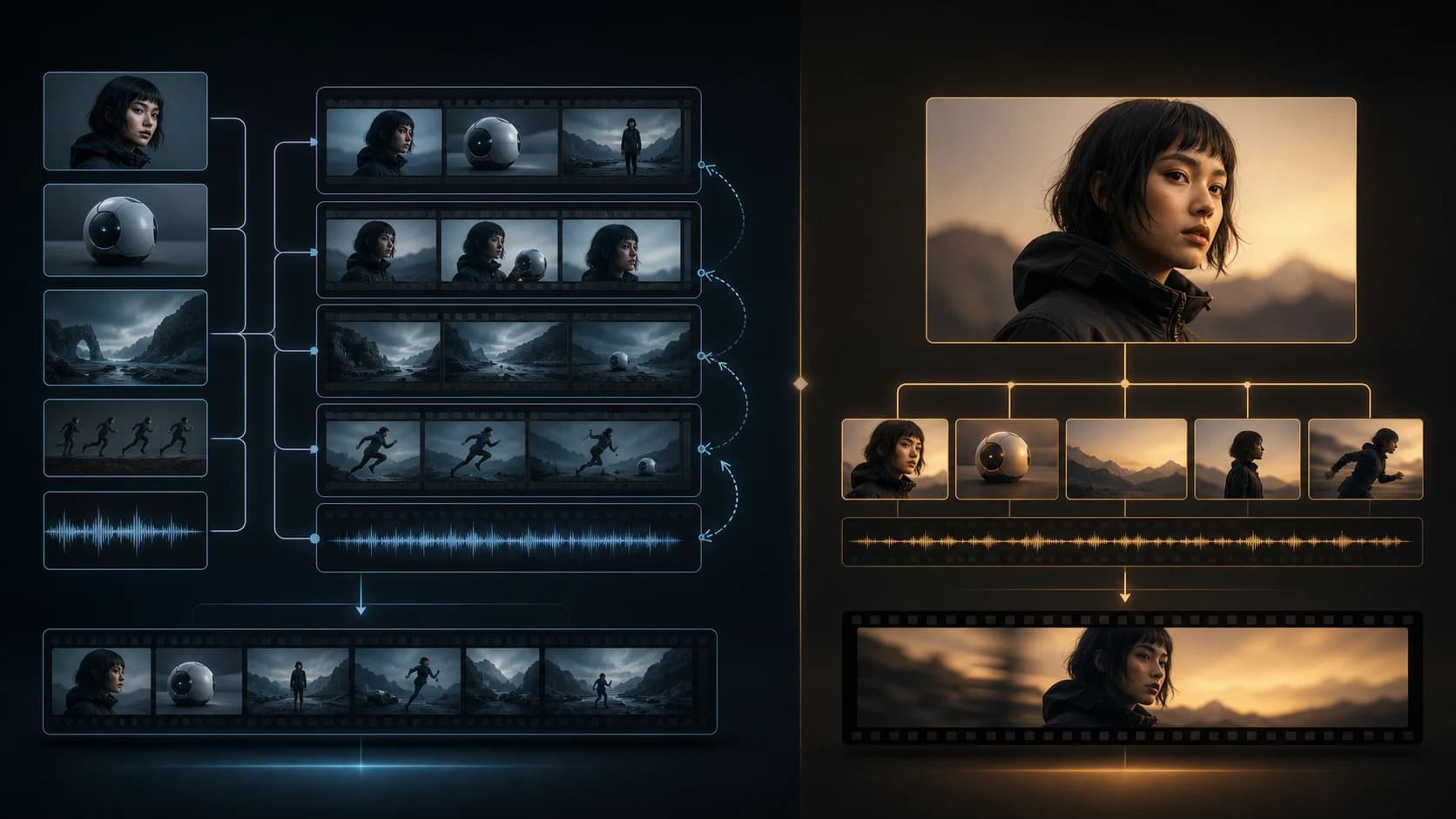
Seedance 2.5 vs MiniMax H3: Performance, Editing Control, and Pricing
A measured Seedance 2.5 vs MiniMax H3 comparison covering one fight test, editing limits, verified H3 pricing, and a fair evaluation workflow for teams.
Seedance 2.5 and MiniMax H3 can both generate polished action video, but one dramatic side-by-side cannot settle which model is better. This 15-second fighting test is useful for studying motion, shot rhythm, subject tracking, and action clarity. It does not demonstrate editing control, native output resolution, audio quality, or total production cost.
This comparison separates what is visible from what the companies publish—and from what still needs a controlled test.
The Short Version
- Seedance 2.5 is easier to follow during the fastest movement in this sample. The white outfit and red hair remain readable through sweeping camera motion.
- MiniMax H3 uses more aggressive shot variety. Its early close-ups and inserts give the sequence a sharper edited rhythm.
- Neither result fully solves fight choreography. Guard positions drift, some reactions lack a visible cause, and background characters sometimes feel passive.
- The clip is not an editing test. There is no source material, edit instruction, before-and-after pair, or record of how many generations were attempted.
- Only H3 pricing can be compared with confidence here. MiniMax publishes direct per-second rates; a fixed Seedance 2.5 API rate could not be independently verified as of August 5, 2026.
What This Seedance 2.5 vs MiniMax H3 Test Can Prove
Technical inspection found a 15.1-second, 30 fps H.264 video on a 1920 × 1080 comparison canvas. Each model occupies roughly half of that canvas, so the file does not prove that either model natively generated 1080p, 2K, or 4K footage. The file also contains one mixed stereo track rather than isolated audio from each generation.[5]
The sample supports observations about character readability, shot selection, pacing, spatial continuity, action causality, and visible artifacts. It cannot establish native resolution, prompt adherence, typical quality, editing reliability, separate audio quality, or cost per usable clip. The prompt, references, seeds, settings, candidate counts, and rejected attempts are missing. Treat it as a useful performance slice, not a benchmark.
Performance: Tracking Versus Shot Variety
Opening setup: H3 cuts faster
Both versions show a red-haired woman in white surrounded by black-clad guards. Seedance begins wide and moves toward her face as one developing camera idea. H3 cuts among medium framing, a clean facial close-up, feet, and waist or hand details. Its inserts establish costume and intent quickly, giving the opening a sharper trailer rhythm. Faster cutting, however, creates more continuity obligations for body orientation, weapon placement, guard positions, and screen direction.
Main fight: Seedance keeps the hero easier to track
During the central action, Seedance relies on sweeping rotation, tilt, and overhead movement. The protagonist’s red hair and white silhouette remain comparatively easy to locate. Its weakness is choreography: several guards stay passive, not every fall connects to a visible strike, and the handgun is sometimes obscured. The result communicates speed better than cause and effect.
H3 stages more explicit close combat, flips, high-position movement, and more fallen guards. It feels busier and more forceful, but becomes harder to map around nine to twelve seconds. Positions jump, and some guards fall or fly without a readable point of contact.
Ending: both models leave continuity questions
Seedance returns to a frontal hero pose while several guards remain standing in the background. That is not automatically a continuity error—those guards may simply be unhit—but it makes the fight feel less resolved. H3 finishes with more opponents on the floor, yet some of those outcomes lack visible setup.
Both versions preserve the central character and the general visual style reasonably well. Neither provides decisive evidence of superior physics or choreography. In this selected sample, Seedance favors continuous visual tracking; H3 favors denser cutting and more overt action beats.
Editing Control: The Clip Does Not Test Editing
Editing control cannot be inferred from a finished video. Testing it requires a source clip, a narrow request, the returned version, and a record of unwanted changes outside the target region.
ByteDance describes Seedance 2.5 as an audio-video model built for up to 30-second storytelling, with more precise reference understanding and editing requests. Its official examples also emphasize camera, performance, green-screen, and targeted production controls.[1] That focus makes Seedance relevant to repeatable reference-to-video workflows.
MiniMax describes H3 as a general-purpose multimodal model with reference and editing capabilities, video-to-video motion transfer, native stereo sound, and outputs up to 15 seconds at 2K.[2] That is a meaningful product claim, but the attached fight test does not exercise it. The same caution applies to image-to-video: a final clip alone cannot show whether a model preserved an input image faithfully or needed several retries.
A useful evaluation would give both models the same five-second source and one atomic instruction, such as “change only the jacket from white to red.” Score identity, background and motion preservation, edit accuracy, flicker, and unwanted changes. Then add a camera or action edit and publish every attempt, not only the best result.
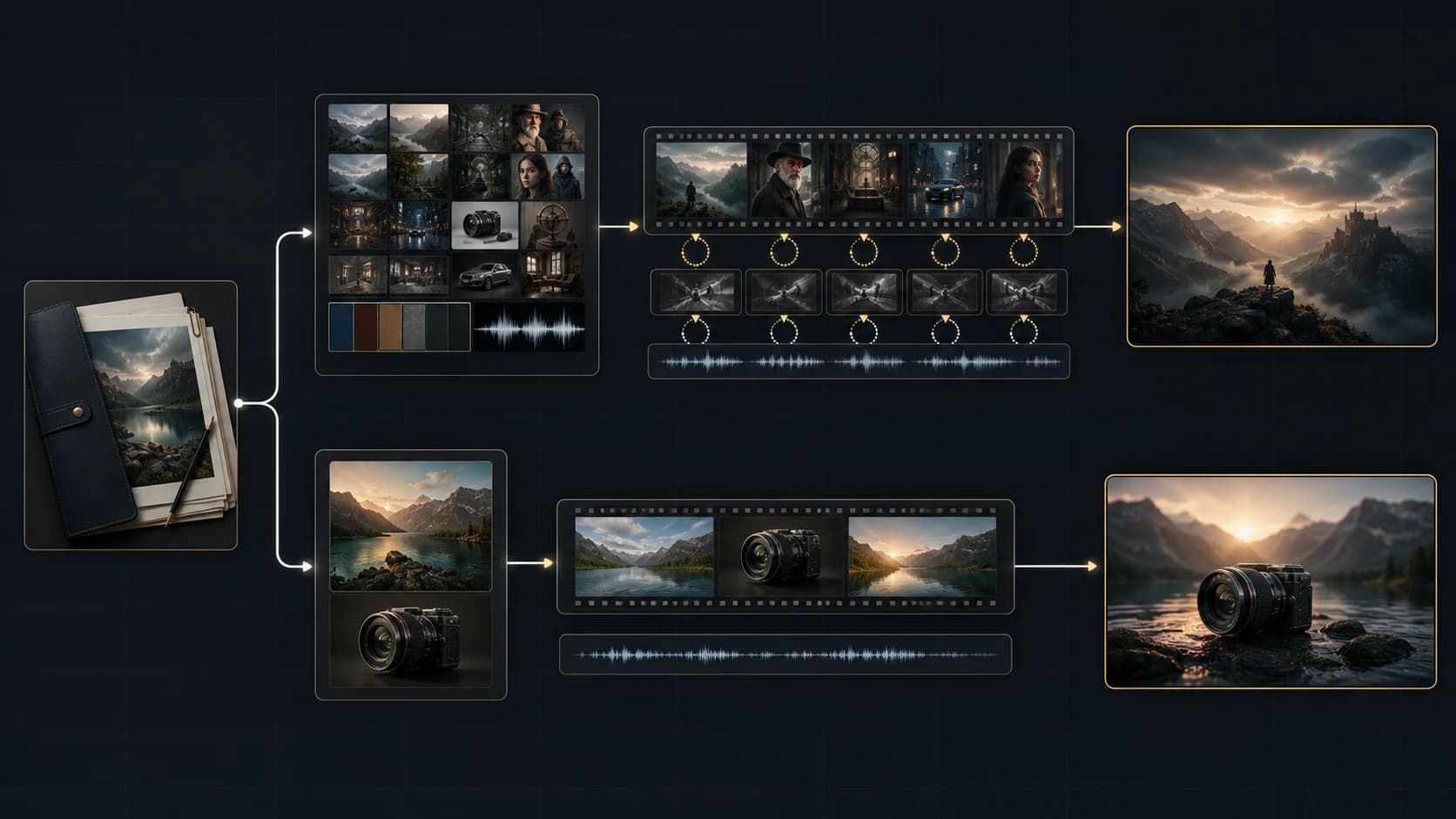
Pricing: Verified H3 Rates, Unverified Seedance 2.5 Cost
MiniMax publishes pay-as-you-go H3 pricing of $0.08 per output second at 768P and $0.13 per output second at 2K.[3] At those rates, one 15-second output costs $1.20 at 768P or $1.95 at 2K. These totals are simple arithmetic, not quoted package prices, and they exclude references, retries, storage, and application fees.
| Access route | Published rate | Derived cost for a 15-second output |
|---|---|---|
| MiniMax direct, 768P | $0.08/output-second | $1.20 |
| MiniMax direct, 2K | $0.13/output-second | $1.95 |
| reAPI, 2K | $0.183/output-second | About $2.75 |
| Seedance 2.5 API | No independently verified fixed rate | Not calculated |
MiniMax H3 on reAPI provides another pay-as-you-go access route. Its live model page lists one flat 2K output rate of $0.183 per second, making a 15-second output about $2.75 after rounding. Reference-video duration is added to the bill, and reference images six through nine cost $0.055 each. Because platform pricing can change, check the live model page before budgeting.[4]
Reference inputs can materially change an H3 bill. MiniMax states that input video is charged per input second at the same rate associated with the selected output resolution. A 15-second reference video would therefore add $1.20 at 768P or $1.95 at 2K before the output charge. The first five reference images are included; each additional image is $0.04. Regenerating a 768P result at 2K costs $0.05 per output second, and the original input materials are billed again.[3]
A fixed Seedance 2.5 API price could not be independently verified from an official public pricing page on August 5, 2026. For that reason, unverified token figures should not be used in a purchasing decision. Teams considering Seedance 2.5 should check the current console, contract, or provider quote and calculate cost per accepted clip, not merely cost per generated second.
Which Model Should You Choose?
Test Seedance 2.5 first if you prioritize longer narrative construction, subject tracking through continuous camera movement, or reference-heavy revisions. Its focus on 30-second storytelling and precise editing is relevant, but this clip does not prove edit reliability and public fixed API pricing still needs confirmation.
Test H3 first if you prefer denser shot design, need published per-second pricing, or want its multimodal reference and motion-transfer workflow. Here, H3 creates stronger early variety and explicit combat beats, though spatial continuity weakens during the busiest section.
The honest recommendation is conditional: shortlist by workflow, then run the same controlled prompts and edits. Neither model earns a universal win from one selected output.
A Fair-Test Checklist
Before spending serious production budget, test both models under the same conditions:
- Use the identical prompt, references, duration, aspect ratio, resolution target, and safety settings.
- Choose at least three scene types: dialogue, complex action, and camera-driven product or environment footage.
- Generate the same number of candidates for each model and keep every result.
- Record seeds, modes, reference limits, queue time, failures, and manual interventions.
- Score identity, prompt adherence, motion coherence, spatial continuity, physics, flicker, and audio separately.
- Run atomic edit tests with measurable pass criteria and compare unwanted changes outside the edit region.
- Review outputs blind before revealing which model created each clip.
- Calculate cost per usable result, including input references, upgrades, failed generations, and rerolls.
Frequently Asked Questions
Is Seedance 2.5 better than MiniMax H3 for action video?
Not universally. Seedance is easier to track during fast motion here; H3 offers more aggressive shot variety. Both show continuity and causality weaknesses. A reliable answer requires repeated, controlled prompts.
Does the comparison prove native 4K, 2K, or 1080p output?
No. The downloaded file is a 1920 × 1080 comparison canvas containing two smaller side-by-side panels. That packaging cannot validate either model’s native generation resolution.
Does this clip prove which model has better editing control?
No. There is no source clip, edit instruction, before-and-after pair, or attempt history. Editing must be tested with narrow requests and preservation checks.
How much does a 15-second MiniMax H3 generation cost?
At MiniMax’s direct rates, the output is $1.20 at 768P or $1.95 at 2K. References, upgrades, retries, and provider fees can increase it.
Are H3 video references billed separately?
Yes. MiniMax says input video duration is charged at the same per-second rate tied to the selected output resolution. A long reference can therefore cost as much as the generated output before other charges.
What is the best way to compare the models fairly?
Use identical inputs, keep every candidate, hide labels during review, test generation and targeted editing, and compare cost per accepted clip.
Conclusion
This Seedance 2.5 vs MiniMax H3 sample reveals a tradeoff: Seedance keeps the protagonist more readable through continuous movement, while H3 delivers more varied framing and a punchier edit. Both have spatial-continuity and action-causality limits.
The clip cannot validate editing precision, native resolution, separate audio quality, pricing, or typical success rate. MiniMax’s published rates make H3 easier to budget; Seedance pricing should be confirmed through an official sales or console channel. The best model is the one that produces the most accepted clips in your repeatable workflow.
References
- [1] ByteDance Seed. Seedance 2.5 official model overview.
- [2] MiniMax. MiniMax H3 official launch overview.
- [3] MiniMax Platform. Pay-as-you-go pricing.
- [4] reAPI. MiniMax H3 model page and live pricing.
- [5] Seedance2.so editorial technical inspection, August 5, 2026. Hosted comparison video. Metadata was inspected with FFprobe and the complete stream decoded with FFmpeg.
Author

Categories
More Posts
Seedance 2.0 vs Seedance 2.5 fighting test, 2.5 gets blurry during fast motion
A frame-by-frame Seedance 2.0 vs 2.5 fight test: what looks sharper, why the clips are not equivalent, and how to run a fair motion comparison yourself.

7 Seedance 2.0 Prompts for Better AI Video Results
Copy seven Seedance 2.0 prompts for product ads, social hooks, explainers, lifestyle clips, trend remixes, and cinematic stories—with practical fixes.

How to make an anime music video with AI, step by step
Learn how to make an anime music video with AI: lock a character's look with reference-to-video, then cut every scene to the beat with a beat-sync tool.